
Index >> Products >> Special

HWg-Juno: I/O device for IP CCTV


Czech version


English version

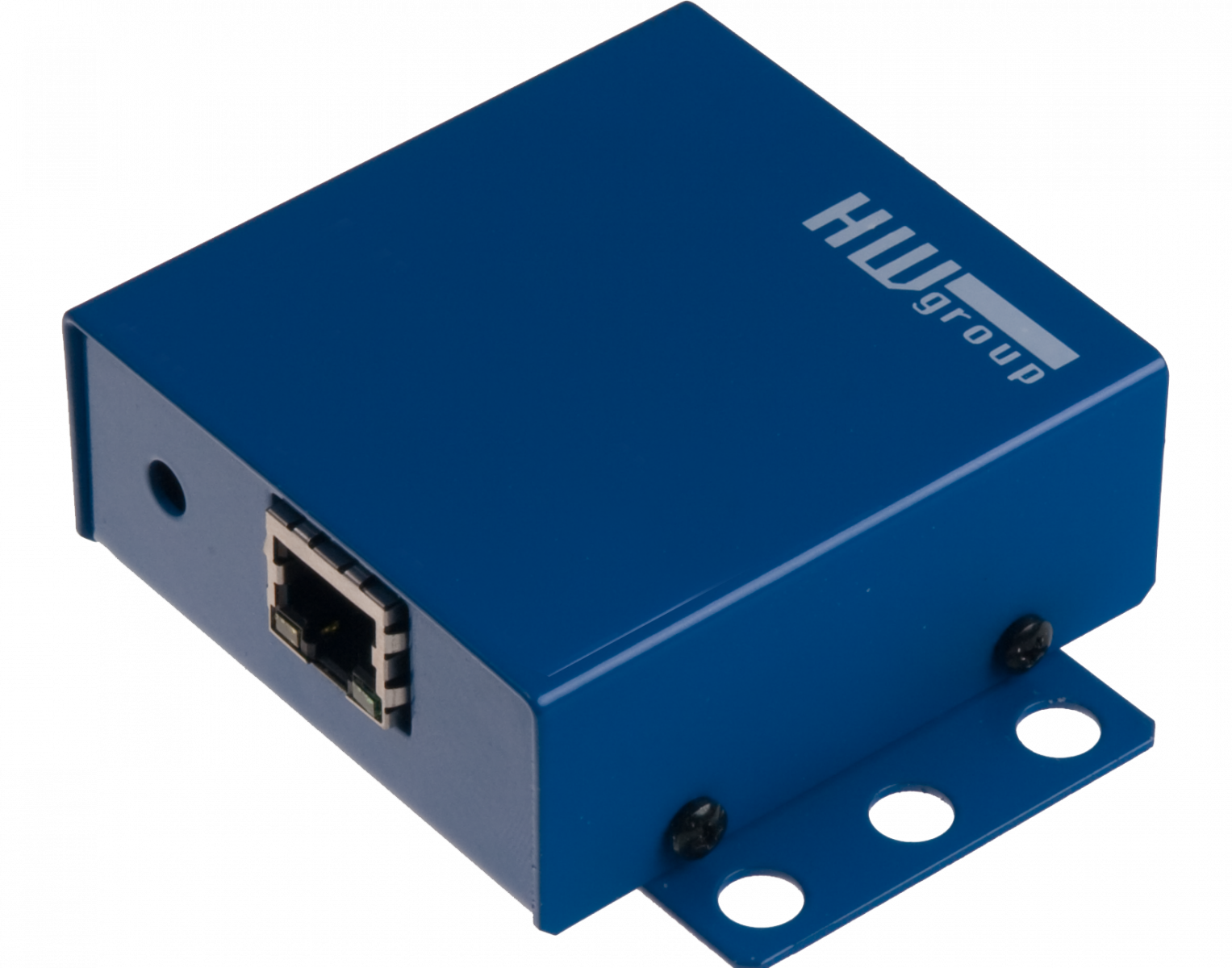
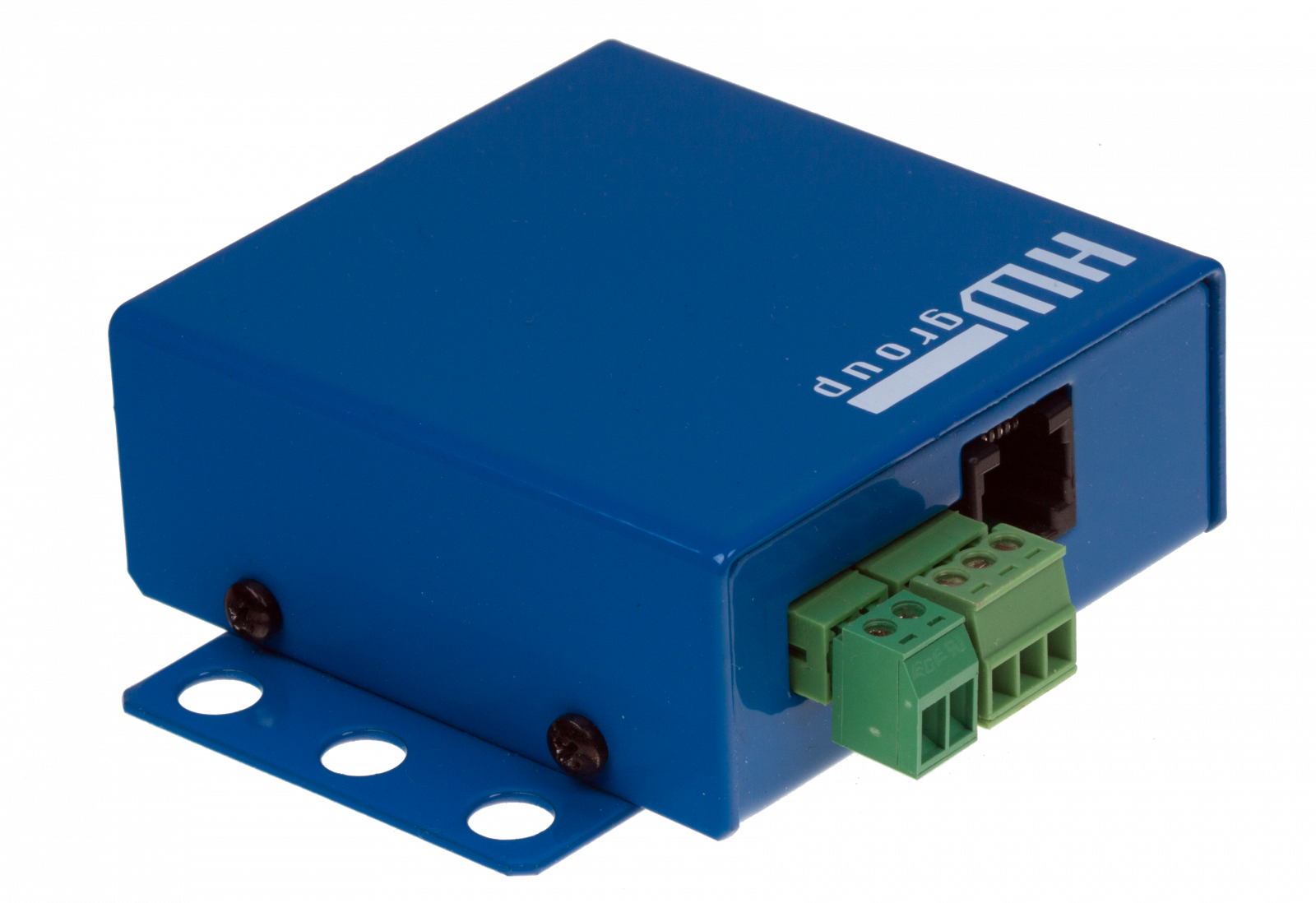
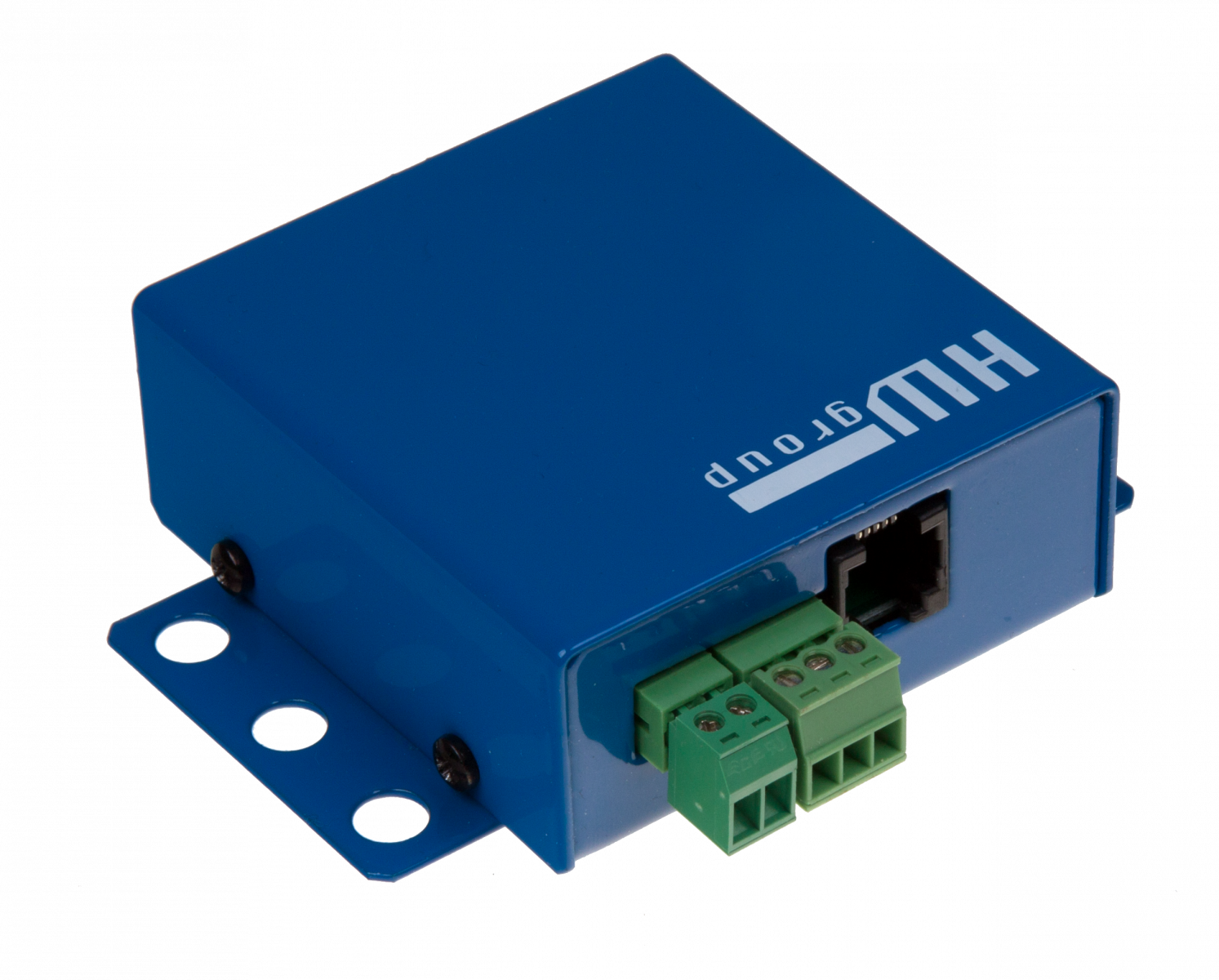
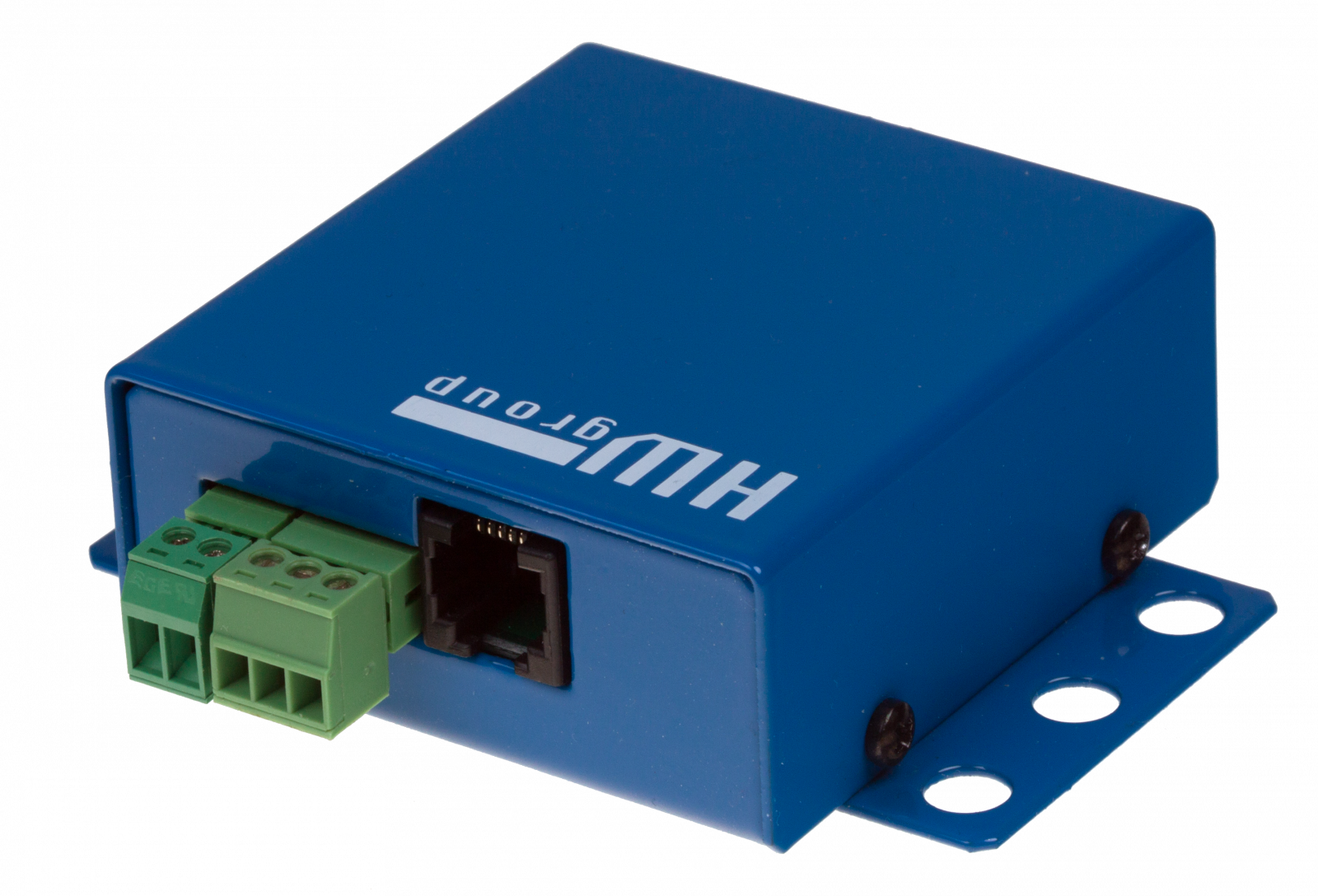
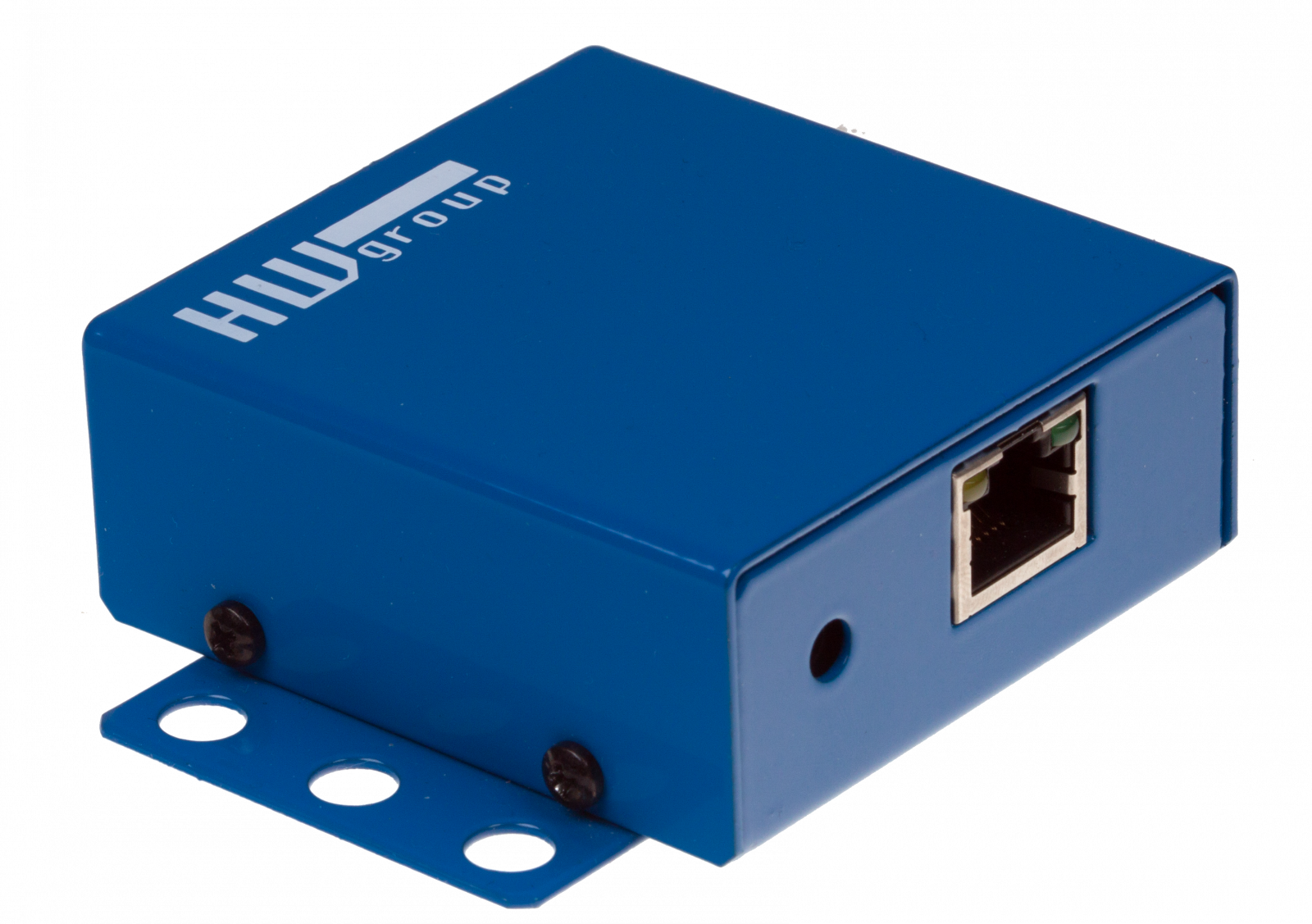
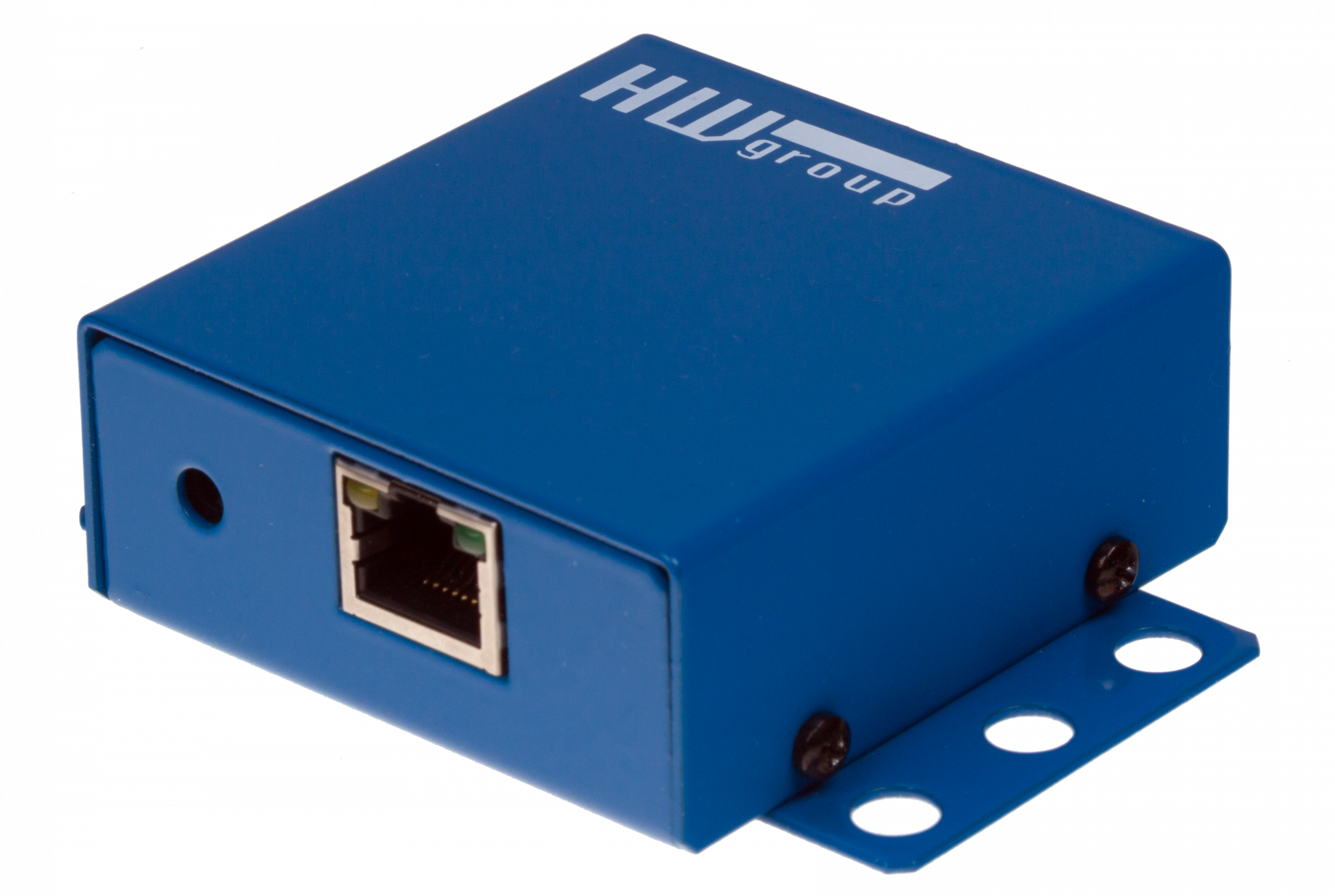
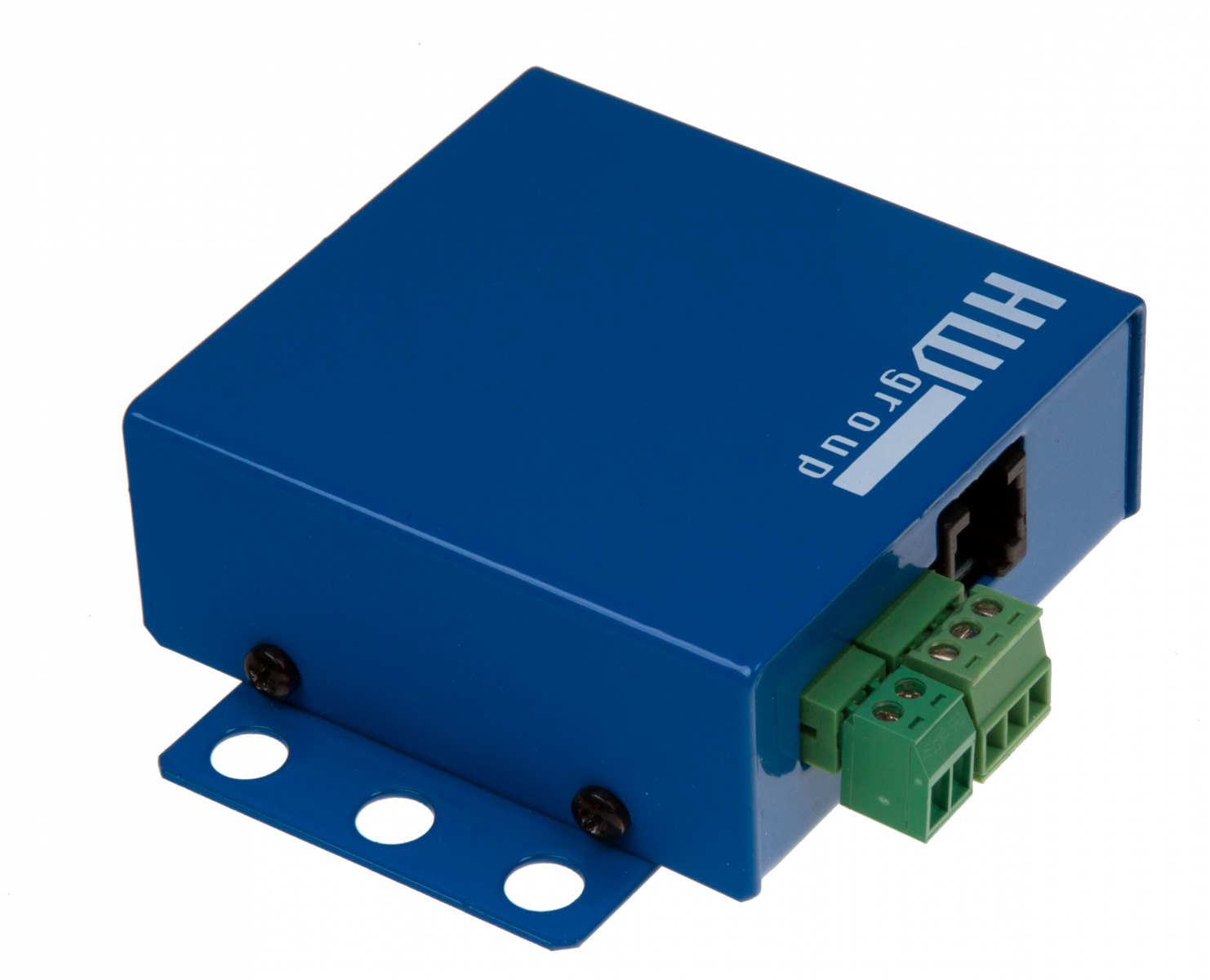
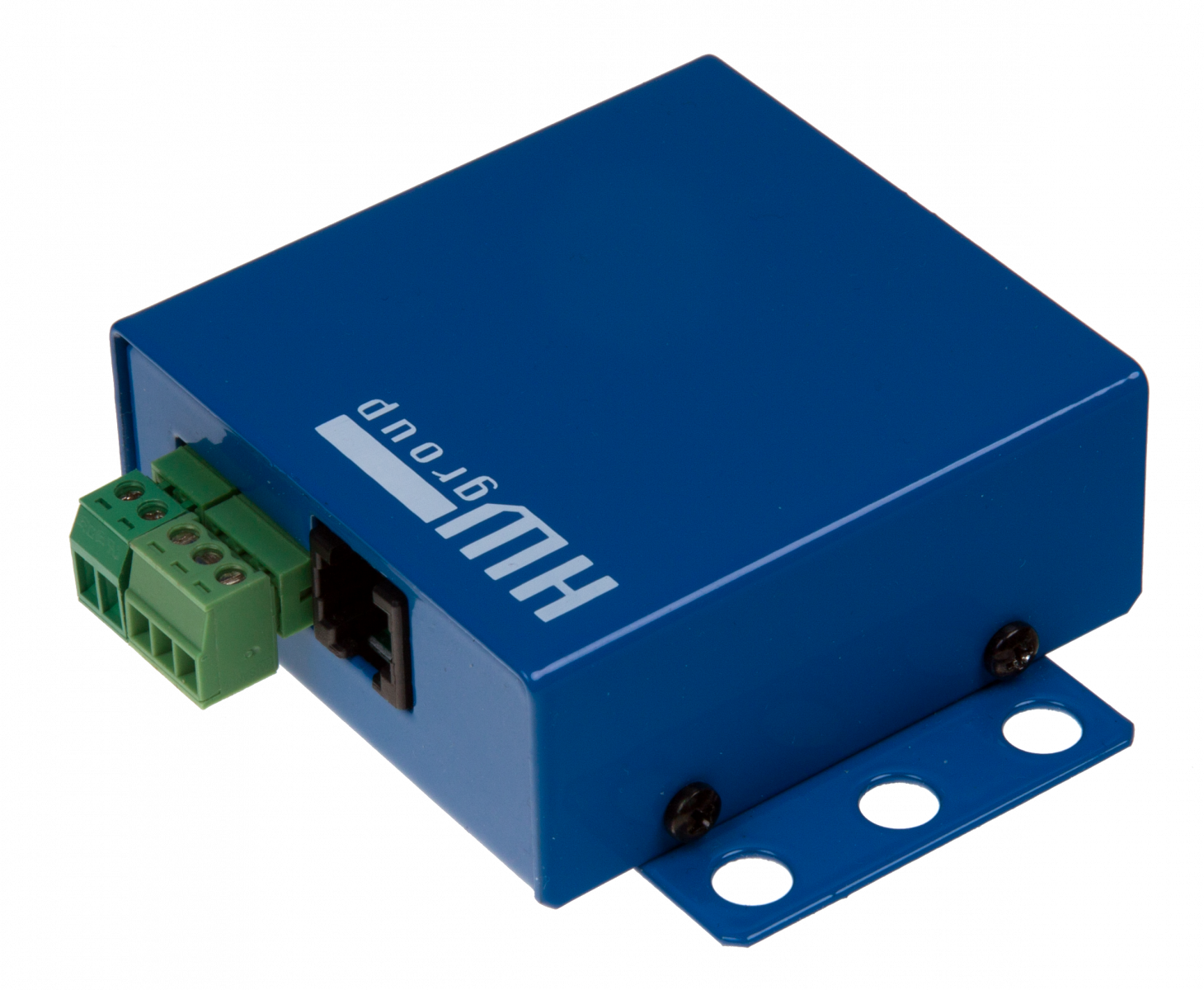
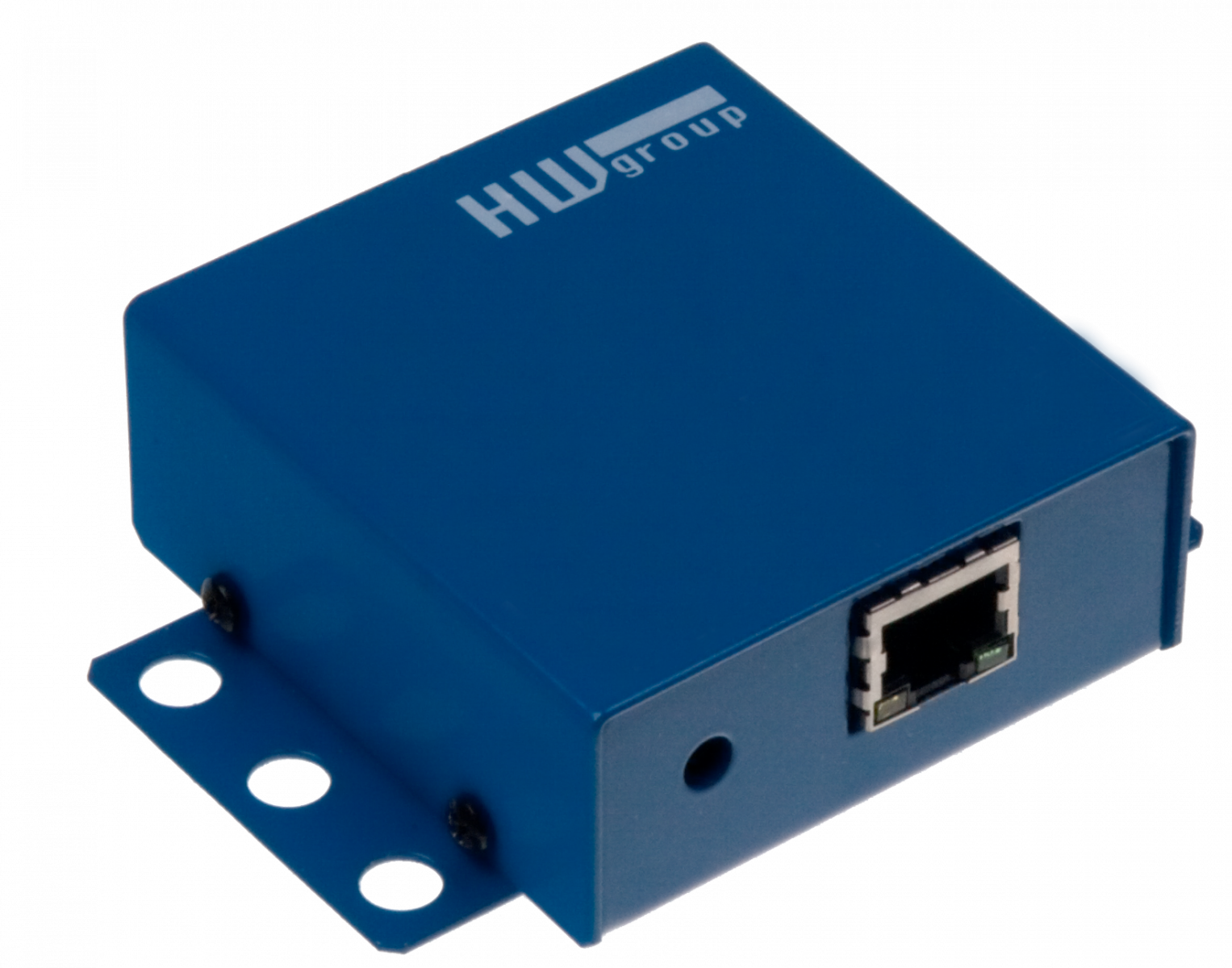
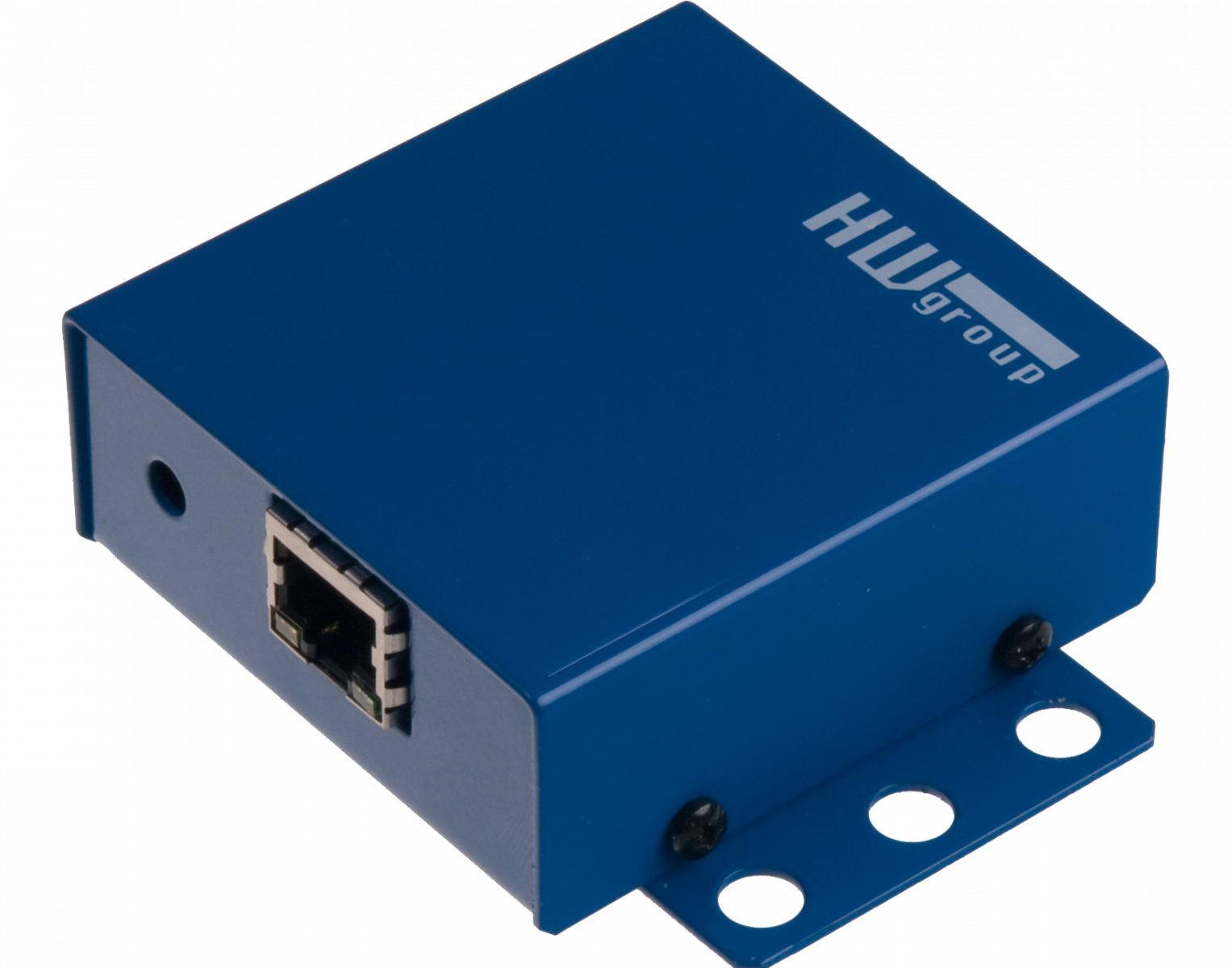
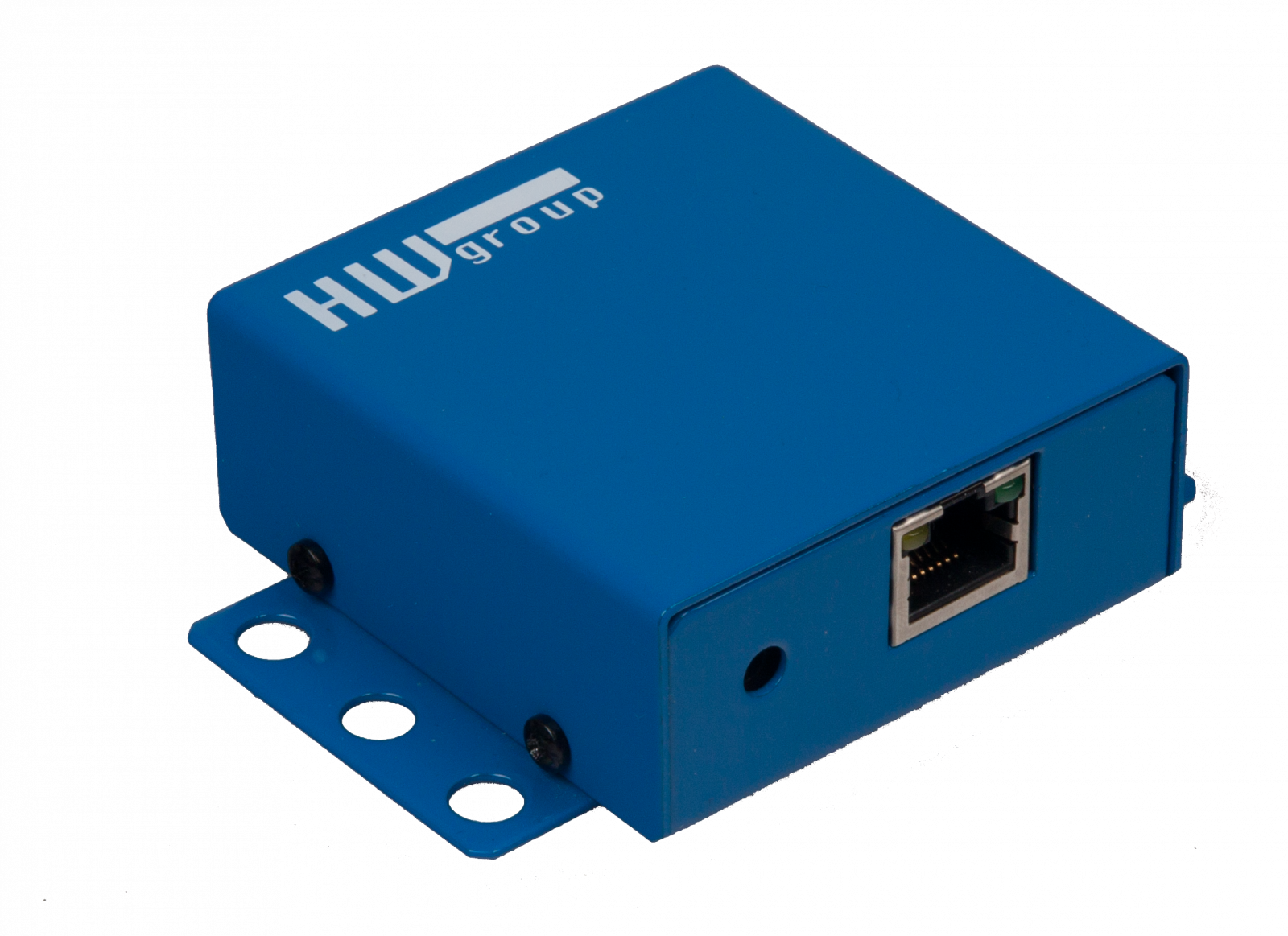
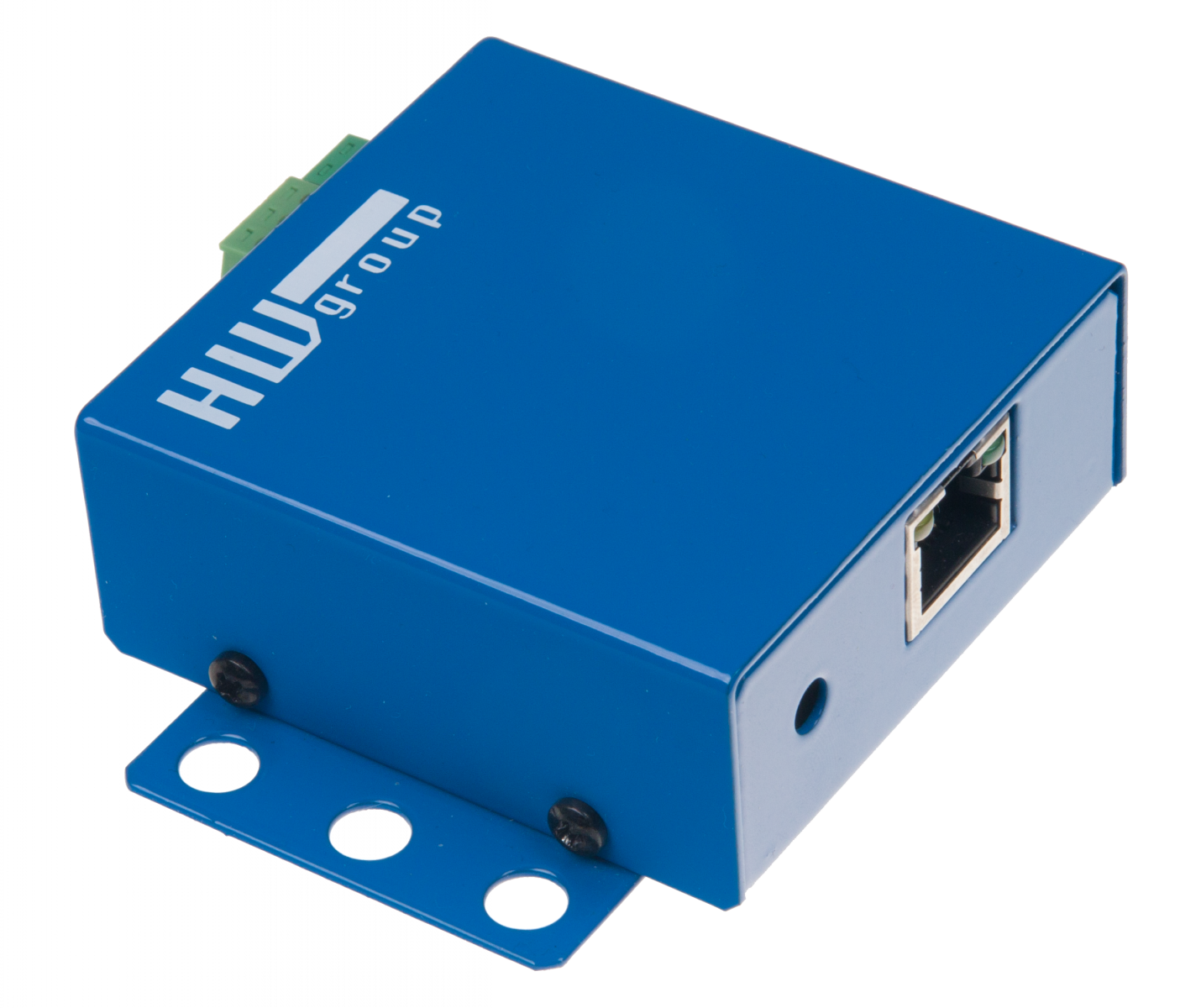
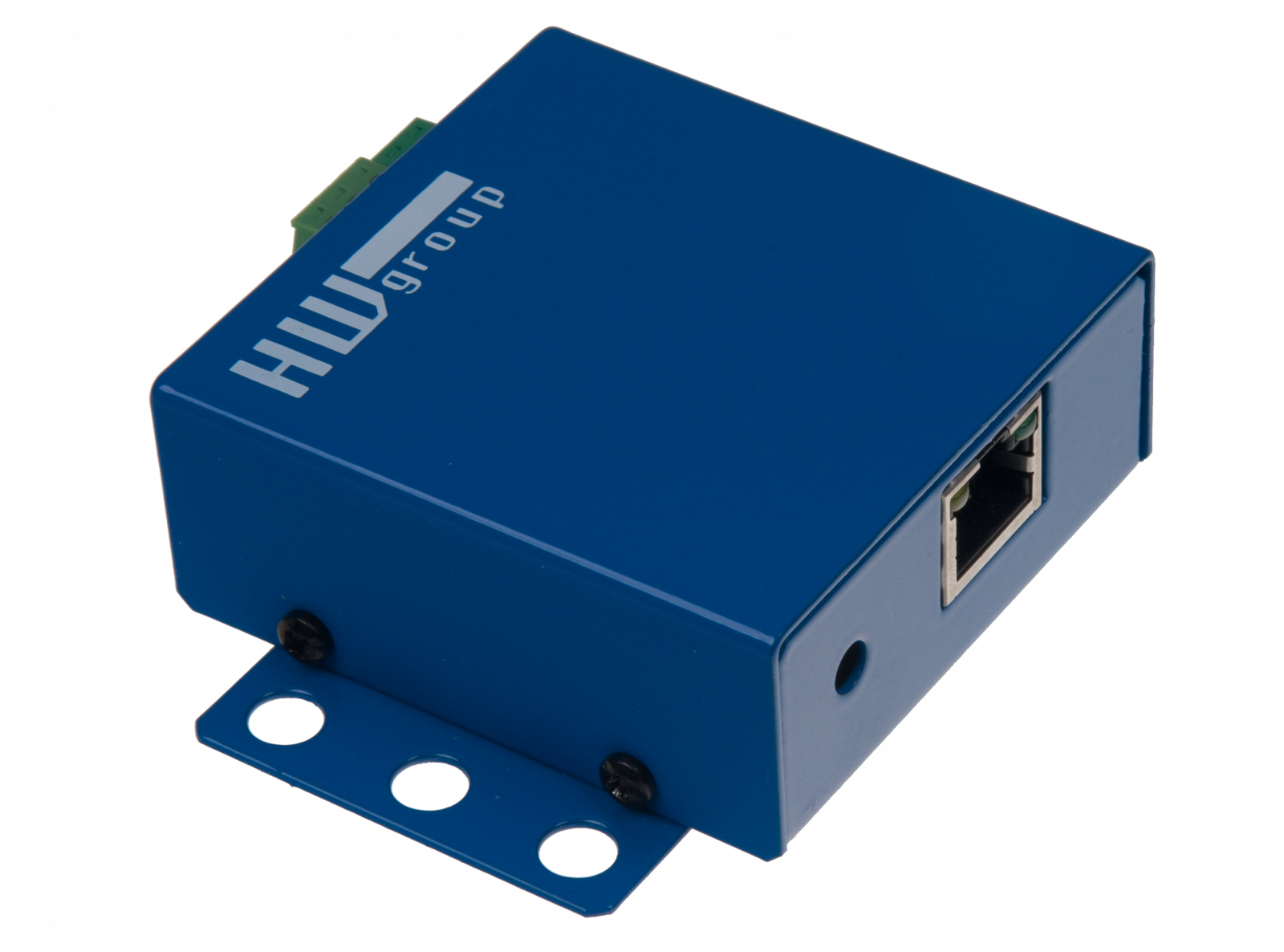
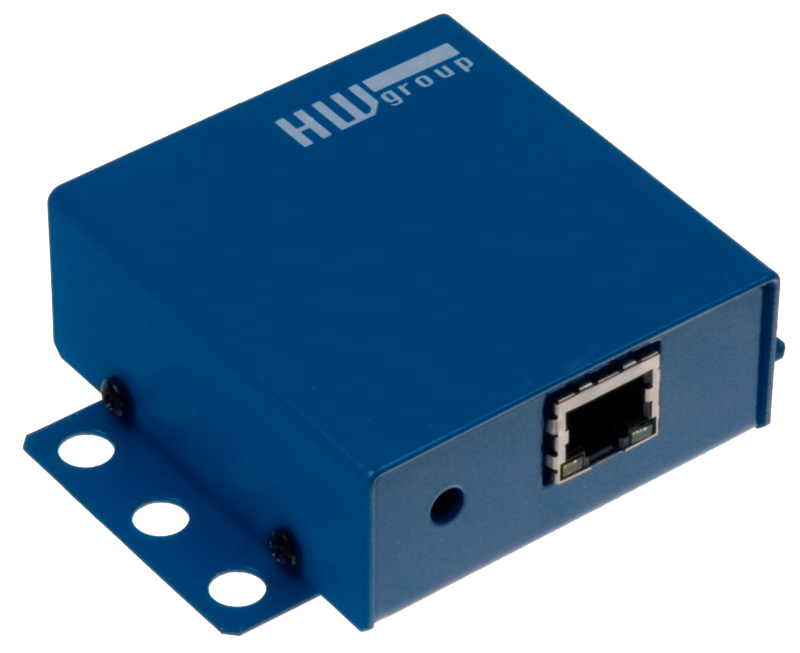
HWg-Juno is I/O device for IP CCTV integration. You can simply connect Digital Inputs & Relay outputs to your current central IP video management system. HWg-Juno support protocols for seamless integration with Genetec Omnicast or Security Center and other IP Video software´s.

  • I/O device for Genetec Omnicast and Genetec Security Center
  • HWg-Juno is easy to use
  • HWg Juno provides predictable flat integration cost.

IP Video remote I/O for PSIA, Genetec, Omnicast, Milestone

HWg-Juno 101 HWg-Juno 404 HWg-Juno 1200 HWg-Juno 008
  • 1 DI for Dry contact
  • 1 DO Relay (50V)
  • WEB server
  • Ethernet 100 Mbit
  • PoE (IEEE 802.3af) or 5V wall plug power adaptor
  • Wall mount
  • 4 DI for Dry contacts
  • 4 DO Relay (50V)
  • WEB server
  • Ethernet 100 Mbit
  • 5V wall plug power adaptor
  • Wall mount
  • 12 DI for Dry contacts
  • None DO
  • WEB server
  • Ethernet 100 Mbit
  • PoE (IEEE 802.3af) or 12V wall plug power adaptor
  • Wall mount or rack mount kit
  • None DI
  • 8 DO Relays (50V) (Memory relays)
  • WEB server
  • Ethernet 100 Mbit
  • PoE (IEEE 802.3af) or 12V wall plug power adaptor
  • Wall mount or rack mount kit
Genetec Omnicast 4.8 compatible Genetec Omnicast 4.8 compatible Genetec Omnicast 4.8 compatible Genetec Omnicast 4.8 compatible
Latest firmware: Firmware v.1.0.11 Latest firmware: Firmware v.1.0.11 Latest firmware: Firmware v.1.0.11 Latest firmware: Firmware v.1.0.11

Technology partners


IP IO Genetec, IP IO Omnicast

  • IP IO Genetec
  • IP IO Omnicast
  • All HWg-Juno models are certified by Genetec in Omnicast 4.8. (it will work from 4.5 up) - Omnicast Supported Hardware NEW

PSIA standard compatible: HWg-Juno - IP Video remote I/O, remote I/O


Why to use HWg-Juno


Reduce the integration cost
  • No cost for software integration. HWg-Juno is hardware solution for plug & play I/O integration.
  • You don’t need programmer & SDK for I/O integration any more.
  • Integrate I/O to your IP CCTV software in a minutes
  • HWg-Juno enables flat predictable integration cost.
Easy to use
  • HWg-Juno is integrated in the central IP Video software. It’s simple IP Camera without image.
  • No drivers needed in most of the software
  • Simple installation with debug features.
  • Outputs controlled from IP CCTV software.
  • Outputs can control 110V / 230V power.


Location & Quantity
  • You can place device for I/O where you really need it.
  • HWg-Juno is family of products. Enjoy the scalability!
  • No more I/O cables to IP Cameras
  • You can install HWg-Juno to the cabinet, next to monitored technology
  • You can choose the right Juno model, for how many I/O do you need in your application.
Quality
  • European product prepared for real integration
  • LED status information for all inputs & outputs.
  • Fully documented integration for supported systems.
  • European technical support & manuals.
  • Memory relays option to manage power failure states
  • Prepared for integration of external sensors


Frequently Asked Questions

 
    Ask for the price or details:
    NAME:* 
    Company: 
     - Web:  http://
    Email:* 
    Newsletter:
    Phone: 
    Country: *

    Spam protection. How many is five times six?

  • Which protocols are supported?
    Juno currently supports PSIA, Genetec and HWg protocol.
  • Which video management systems are supported?
    Currently is supported Genetec Omnicast 4.5 an higher versions and any system supporting PSIA alliance industry protocol.
  • What's comming soon?
    Many more IP video management application are in process of certification or adding support for HWg-Juno.
    Subscribe to e-mail news to receive latest updates.
  • Is it difficult to add HWg-Juno remote I/O Juno video management system?
    Definitely no. HWg-Juno is easy to use. Use the same technique for adding any IP camera into your system. The same technique will work for adding HWg-Juno.
  • Can I control I/O over the website?
    Yes of course. You can setup and controll all the device via web browser.
  • Can I power HWg-Juno from the PoE ?
    Yes, you can use a standard Power over Ethernet switch compatible with IEEE 802.3af.
  • Is there any recommended HWg protocol or we have to support PSIA to implement HWg-Juno?
    There is also available standard XML based communication protocol you can use to remote monitor & control I/O over IP.
  • What is difference between Hwg-Juno family and Poseidon/Damocles family of remote I/O?
    HWg-Juno support security industry protocols PSIA and Genetec for integration into video management systems. Poseidon and Damocles family supports industry (Modbus/TCP) and IT (SNMP, XML) protocols only.


Order codes


Name Description
HWg-Juno 101
1/1 Ethernet I/O for IP Camera Video management software. Support PoE (IEEE 802.3af).
HWg-Juno 404 4/4 Ethernet I/O for IP Camera Video management software. Delivered with EU wall plug power adaptor.
HWg-Juno 1200 12/0 Ethernet I/O for IP Camera Video management software. Support PoE (IEEE 802.3af) and 48V power suply. Order L profile 19" size 600377 for 19" rack mount.
HWg-Juno 008 0/8 Ethernet I/O for IP Camera Video management software. Support PoE (IEEE 802.3af) and 48V power suply. Order L profile 19" size 600377 for 19" rack mount.


Accessories

  • L profile 19" size: 19" rack mount bracket for HWg-Juno 008 & HWg-Juno 1200 [600 377]
  • Power adaptors:
    • 5V power adaptor - EU – 5V / 0.5A [600 379]
    • 5V power adaptor - USA – 5V / 0.5A [600 424]

Keywords

HWg-Juno, Genetec, Omnicast, IP Video remote I/O, PSIA, IP IO Genetec, IP IO Omnicast, remote I/O, DI DO Genetec, relay omnicast, dry contact Omnicast
IP CCTV, I/O module for IP CCTV, Open VMS, Video Management Software, IP Video surveillance, Xprotect, ONVIF, Security center