
| Index >> Products >> Special solutions
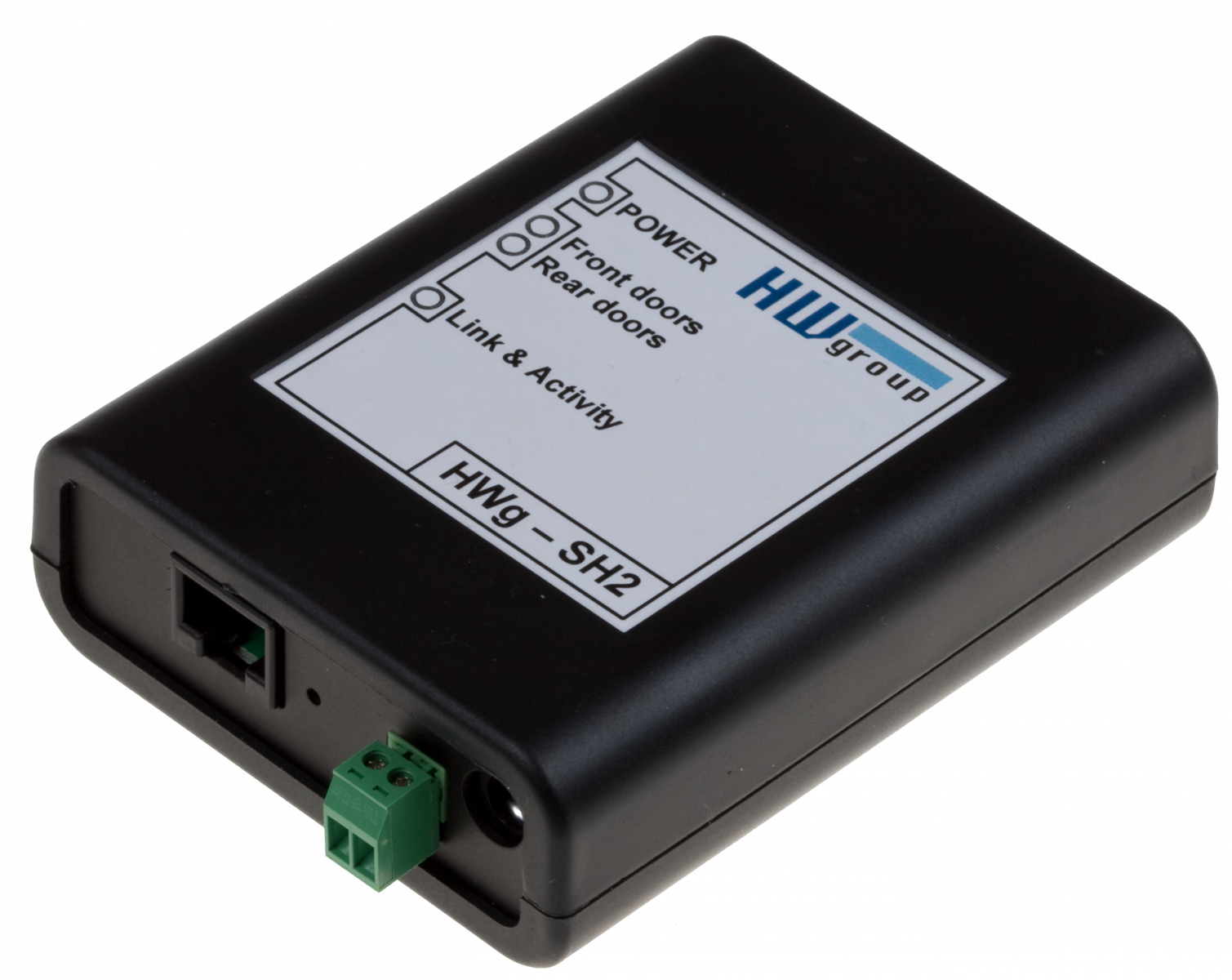
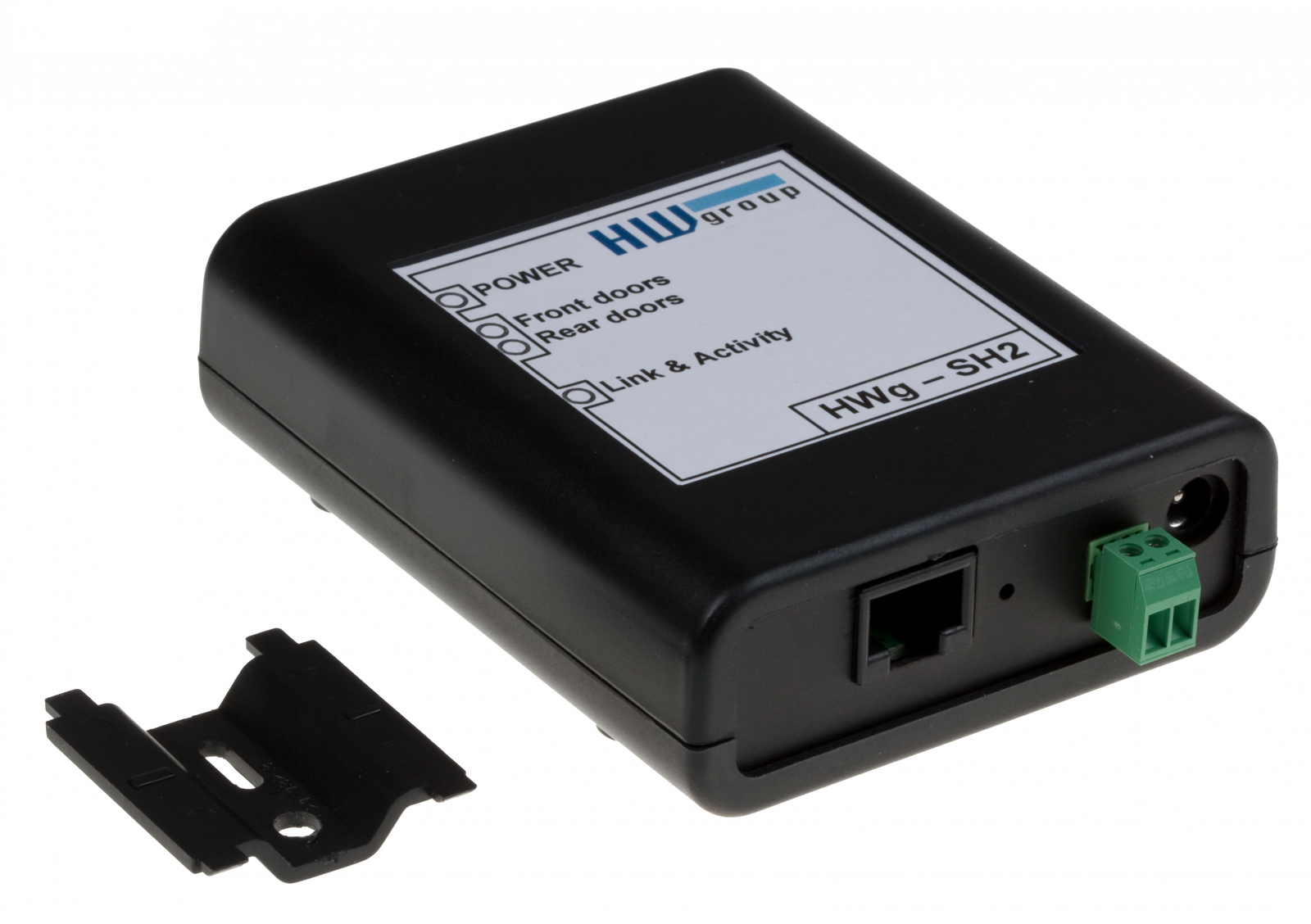
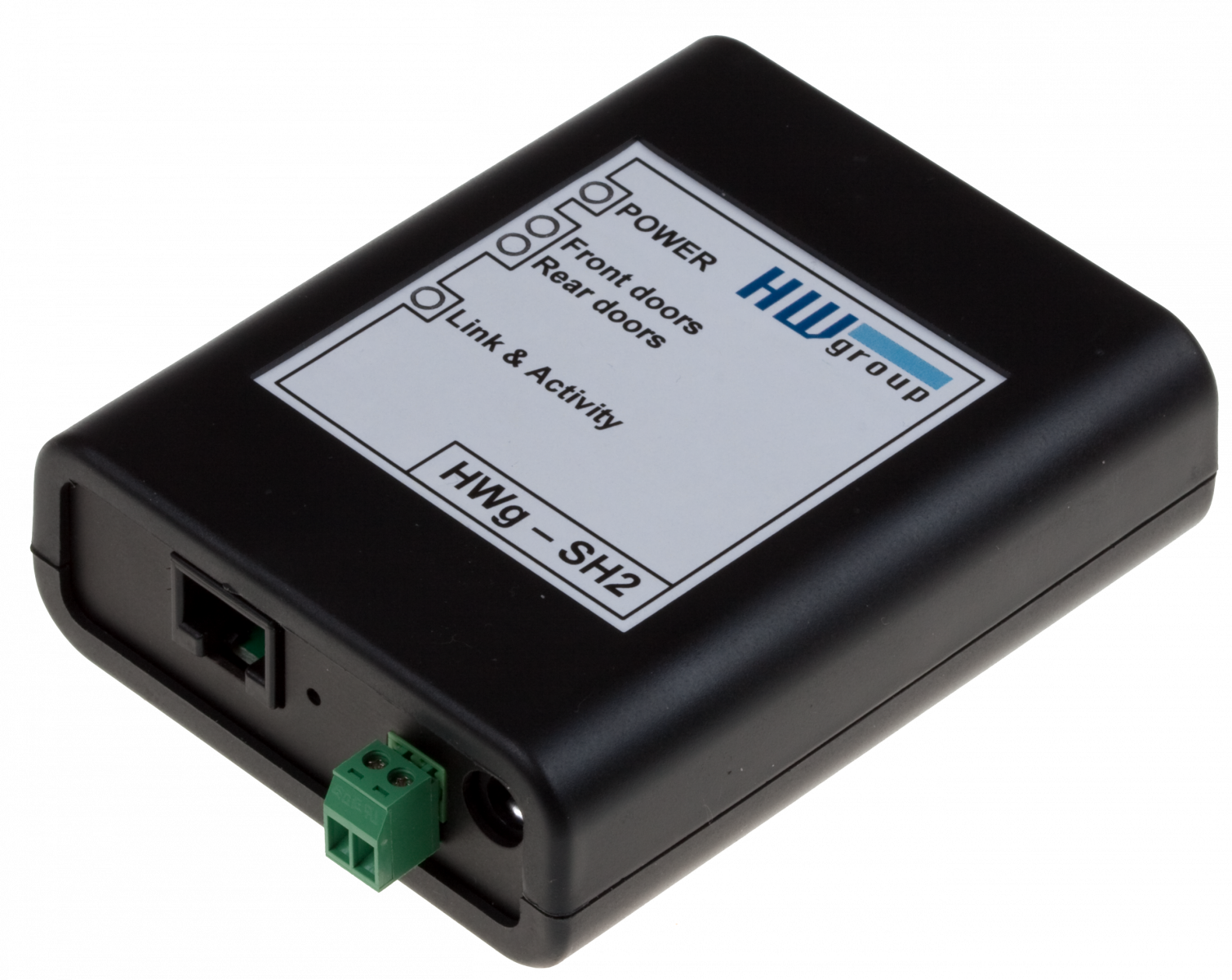
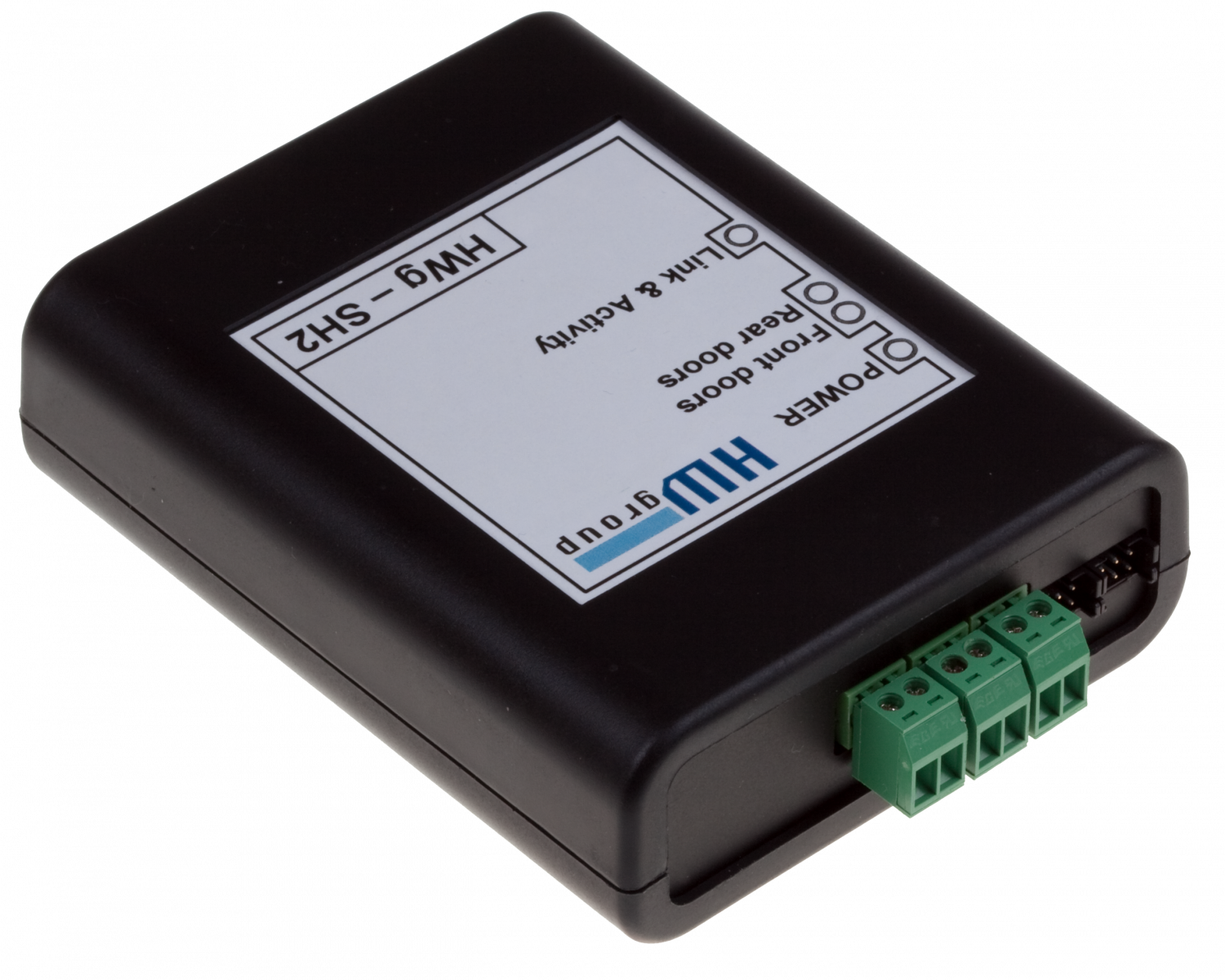
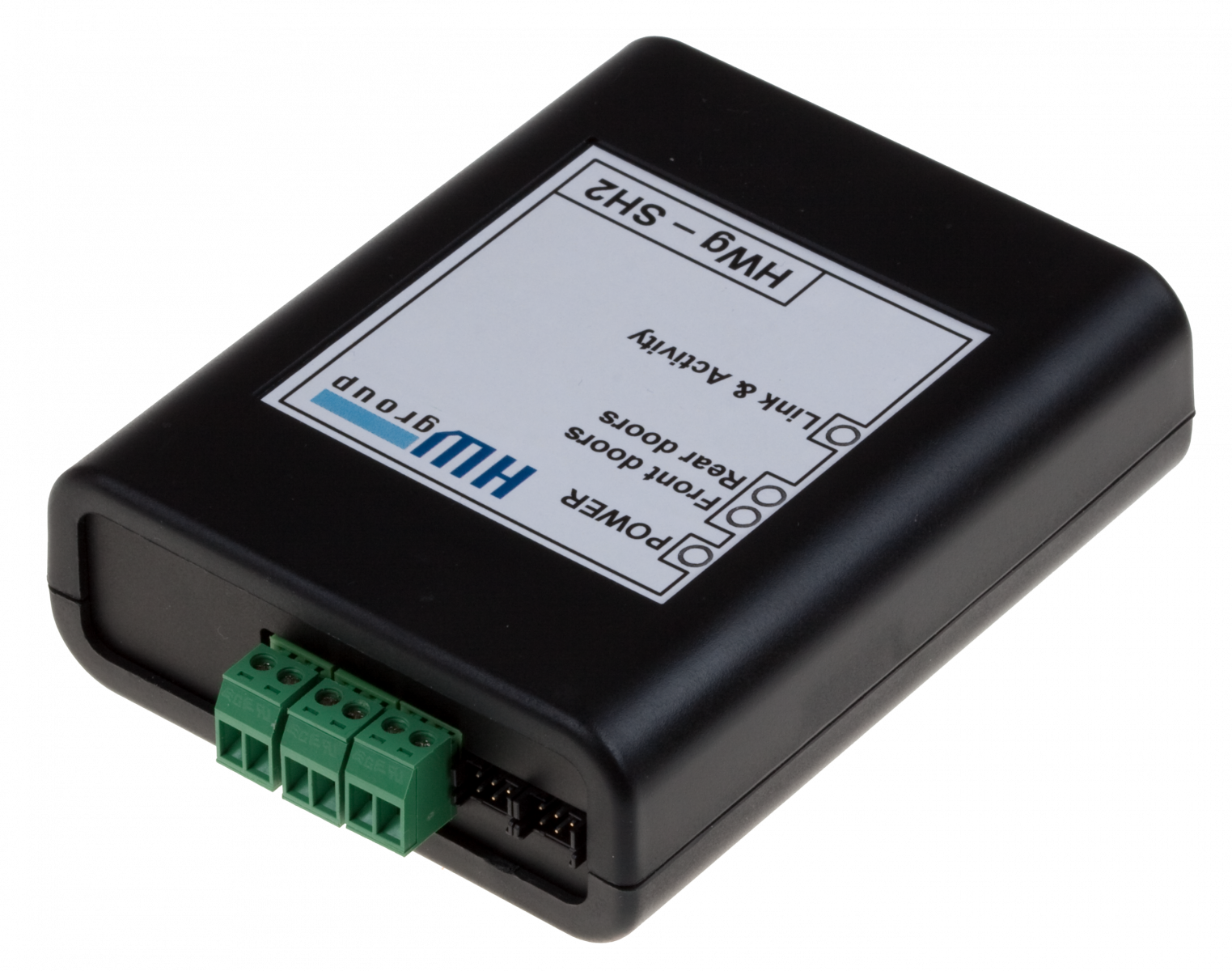
HWg-SH2: IP-based cabinet access system for two swinghandles
Online cabinet Security Door Control (SDC) with Web & SNMP interface. HWg-SH2 can control front & rear doors of one cabinet. Swinghandle lock access system is controller over IP using documented M2M protocols. With the original HW group software, doors can be opened even with text messages (SMS).
HWg-SH2 is an IP-based remote cabinet door access control system. Front and rear doors of one cabinet (rack) can be controlled by one HWg-SH2 unit.
The HWg-SH2 is an IP lock control solution for various electronic locks. It is typically used with HWg-SH1 (H3-EM Electronic Locking SwingHandle by Southco) for cabinet door control.
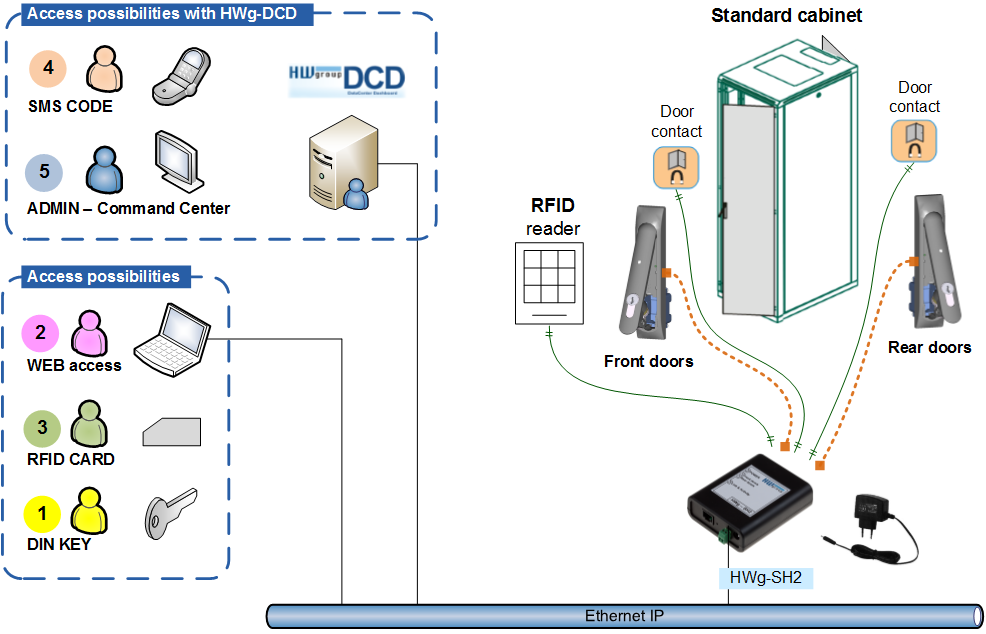
With HWg-SH2, you can control the SwingHandle using:
- Local DIN key (Email / SNMP Trap alert)
- Local Door release button
- Web interface of the unit
- Central online software (M2M protocol / HWg-DCD application)
- Administrator's GUI
- SMS code
- Central authorization (RFID / Fingerprint)
|
|
Typical application: Rack access system
The HWg-SH2 is typically used to control access to a rack in a data center. It is usually installed in hosting racks (collocation centers) or restricted-access racks. HWg-SH2 is a cost-effective solution that is easy to install.

Features
-
Ethernet: RJ45 (10/100 Mbps)
- WEB: Built-in Web server
- Protocols: SNMP, Syslog, SMTP (Email)
- Electronic Swing Handles: Two HWg-SH1 (Southco H3-EM - Electronic Locking Swinghandle) supported.
- Inputs: 2 digital inputs (DI) for door contacts (front/back door)
- Local lock: Digital input (dry contact) for door release button or external lock.
- Physical features: Rack mount (on the side), dimensions: 96 x 78 x 30 [mm]
- LAN interface: Secure communication with the HWg-DCD application running on a central server
- Supported software
- HWg-DCD: Access control (remote control of rack doors) for data centers
- HWg-Event Viewer:
SysLog messages collector. Easily manages centralized report collection from many standalone devices.
- >> Third-party SNMP software
Limitations of Local Lock use
Limitations when using HWg-SH2 & Local lock (Door release input) for opening the door:
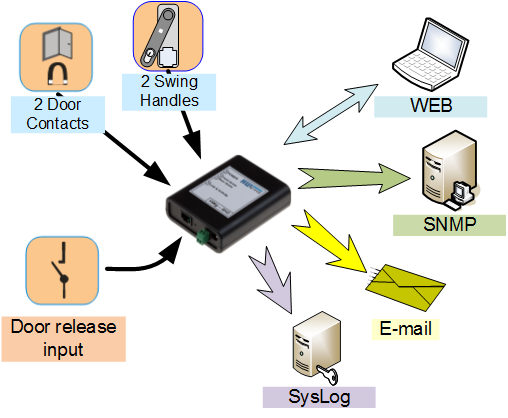
Using the DI input on SH2 to release doors enables you to use any kind of low cost reader (fingerprint or RFID) in any standard.
- When using the DI interface, the web interface of HWg-SH2 will show “Authorised person” as the name of the user who opened the door. (You will not see that “Mr. Black” opened the door, just that it was an “Authorised person”.)
- The SW system will never know who opened the door.
- User database is stored in this external reader. Users cannot be managed over IP.
- The HWg-SH2 enables you to control the locks over IP, and connect the locks to another system.
HWg-SH2: DataCenter Rack Access System
Usage examples
Remote Cabinets
- Industrial door access system
- Electric door lock remote control
- Remote access to Telco sites (technology cabinets)
- Rack door remote control
- Cabinet doors control
- Datacenter Access Control (web snmp)
- Cabinet swing handle remote control
|
HWg ACS (Access Control System)
- Highway technology sites
- Remote telecommunication cabinets
- Railway systems
- Pharmacies / Hospitals (addictive drugs)
- Power line network
- Water pipeline monitoring sites
- Gas pipeline monitoring sites
- Airports
- Military protected areas
|
-
Security systems
- IP surveillance systems
- Independent WEB access control system
- Security access systems
|
Various electronic locks
The swing handle locks are designed for cabinet access systems. For industrial applications, other locks can be used:
- Southco EM - E-Keeper Electronic Strike
- Southco R4-EM - Electronic Rotary Latch
- DIRAK E-LINE Swinghandle
- DIRAK electronic Swinghandle basic
- DIRAK E-BASIC plus
- EMKA LOCKAGENT E
- EMKA Invisible locking system

FAQ
- Can I control the SH1 swinghandle using a browser?
Yes, you can open door lock in the web browser (SH2 web page). The swinghandle lock can be also controled over the M2M interface (LAN protocols).
- Can I connect a RFID or fingerprint reader to HWg-SH2?
Yes, but only to the DI (Digital Input) interface. This means that you can open the lock (doors) but you cannot identify individual people. When using the DI interface to connect the external reader, you can only see that an "Authorised person" opened the door, you will not know if it was "Mr. White" or "Mr. Black".
The HWg-SH2 is an IP lock control solution. For RFID ACS (Access Control System), see the HWg-SH3.
- Where can I find the MIB file for connecting to my SNMP software?
The "HWg-SH2.mib" file is available at the main webpage of the product. Click the MIB link, save the file and import it into your SNMP software.
- Can I use other locks than the datacenter swing-handle HWg-SH1 (Southco H3-EM)?
Yes, we can recommend you a lock solution compatible with yout cabinet environment. Our current customers use, for example, Dirak swing handle Basic line or EMKA lockagent system.
- Is there a GSM version of HWg ACS (Access Control System) available?
HWg-SH2 is an IP and LAN based cabinet access system. It can communicate via a 3G router for example. Native GSM-GPRS cabinet door remote control system is coming soon.
- Where can I find the prices of your devices?
Ask our distributors, or request a quote directly from us using the form at this page.
>> Online order form
Order product
| OID |
Description |
| 600 408 |
HWg-SH2 set
|
| 600 393 |
HWg-SH2
|
| 600 358 |
HWg-SH1
|
| |
HWg-DCD 8
Download 1.2.9
|
| |
HWg-DCD 12
|
| 600 395 |
HWg demo rack 10" SH3
|
Accessories
- Door Contact MK4: Open/closed door detector [600 371]
Power adapter
Keywords
HWg-SH2, IP Lock control, southco H3-EM, electronic locking, swinghandle lock, rack access system, SNMP
industrial door access system, electric door lock, security access systems, cabinet doors control, access security, cabinet swing handle, lock acs, web control, syslog, email, DIRAK E-LINE, DIRAK basic, dirak swing handle, emka lockagent |
Similar and related products
|