Index >> Products >> Remote I/O

IP WatchDog


Attention: Replaced by New model WR02a


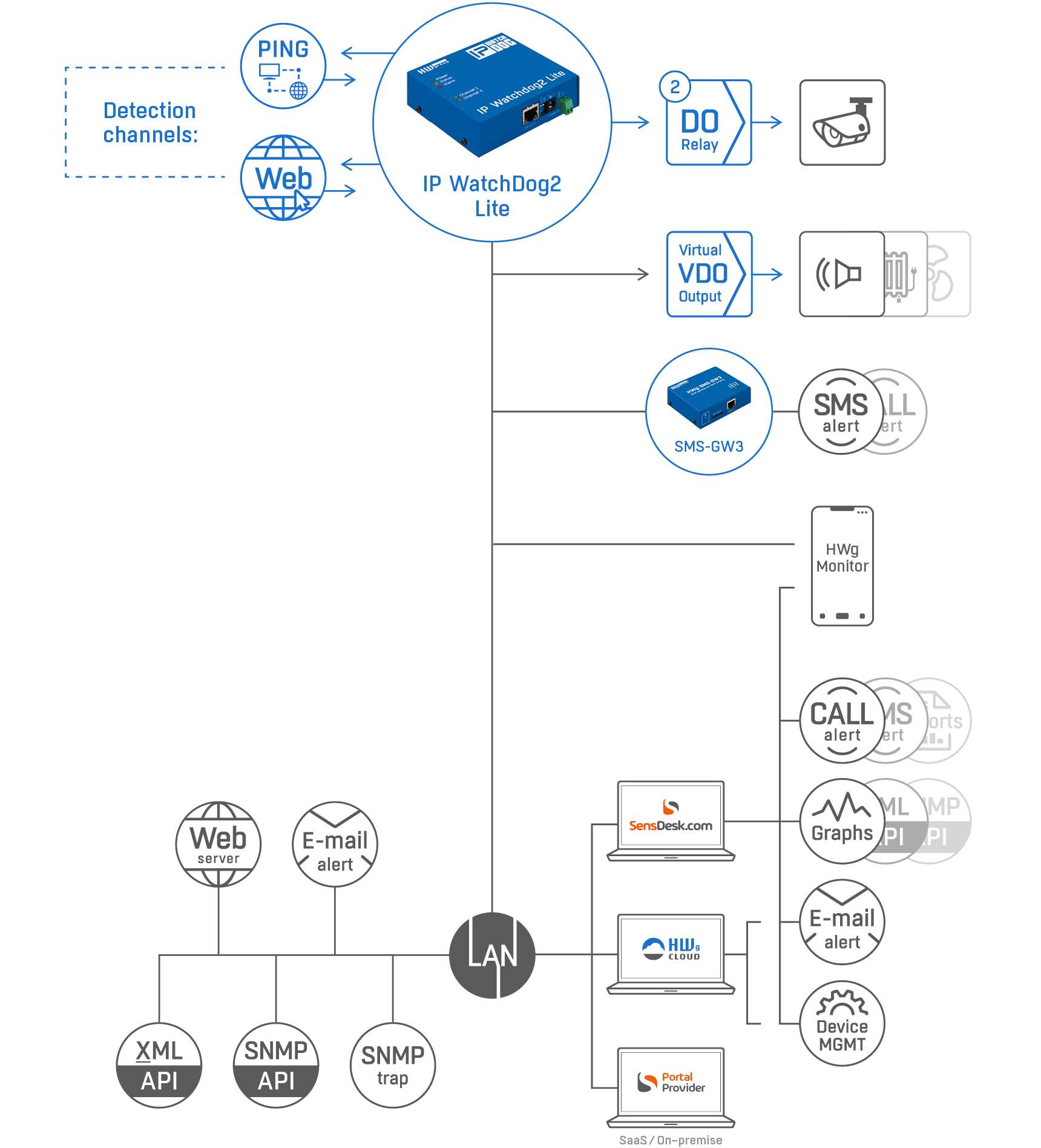
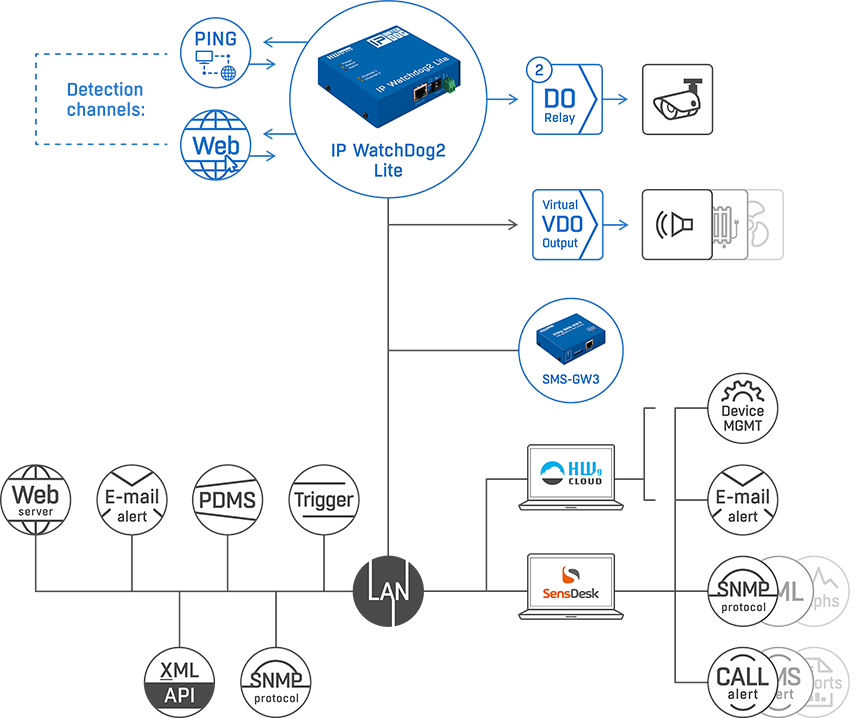
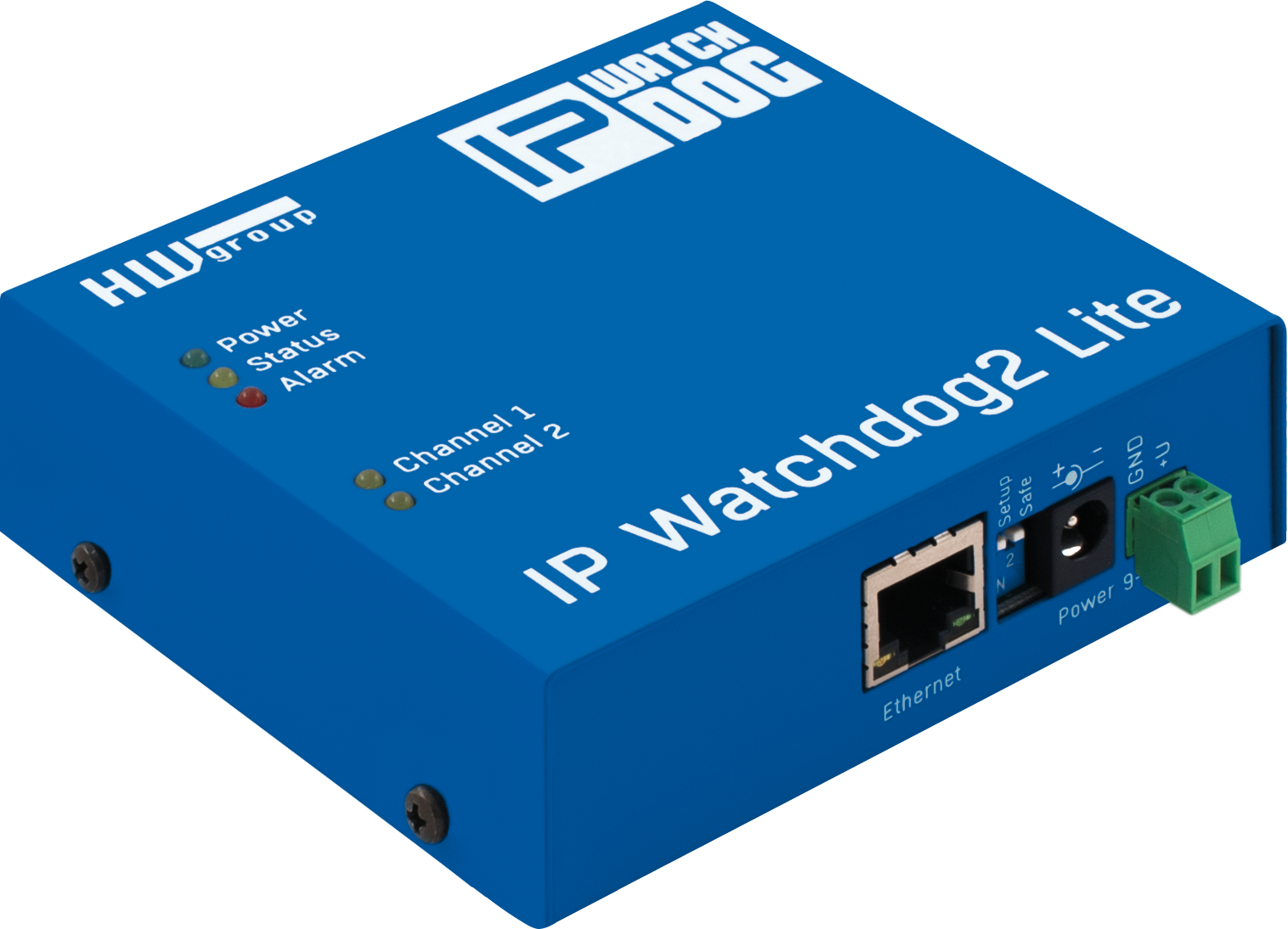
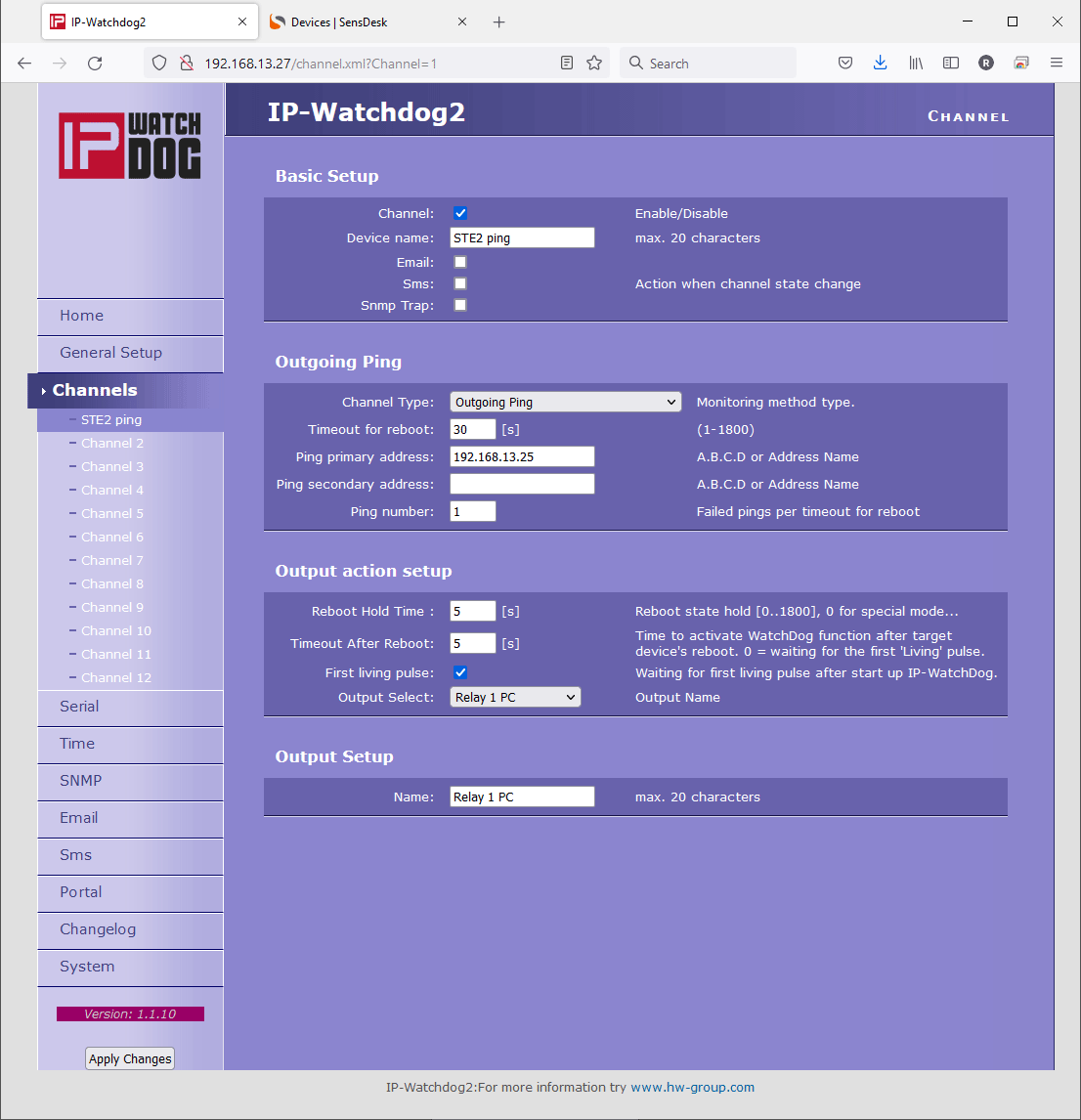
IP WatchDog monitors function of serial (RS-232) devices using PING, WWW page detection, or serial port data stream. If a preset function was not executed within a specified time period, IP WatchDog will RESET the device (or switch to a back-up communication circuit, set off an alarm etc.) A single WatchDog device can independently monitor up to two devices, such as servers, routers and access or security systems.

The IP WatchDog monitors defined function of remote device on two independent channels (each channel controls just one of two relays). If the remote device drops out, the IP Watchdog activates the relay. This way it is possible to restart the device, shut it down for a specified time or start for example a back-up circuit.

Monitoring of remote device functions:

  • Monitored device receives a PING that is sent periodically from IP Watchdog.
  • Monitored device sends PING periodically to IP Watchdog's IP address.
  • Monitored device works as a WEB server and provides WWW page in periodic intervals on defined URL.
  • Monitored device requests periodically WWW page on defined IP address of Watchdog.


Monitoring of local device functions:
  • Monitored device sends periodically defined string to RS-232 serial port.
     

Tip: Low cost version IPWatchDog Lite now available!

 
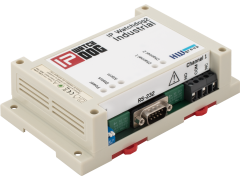
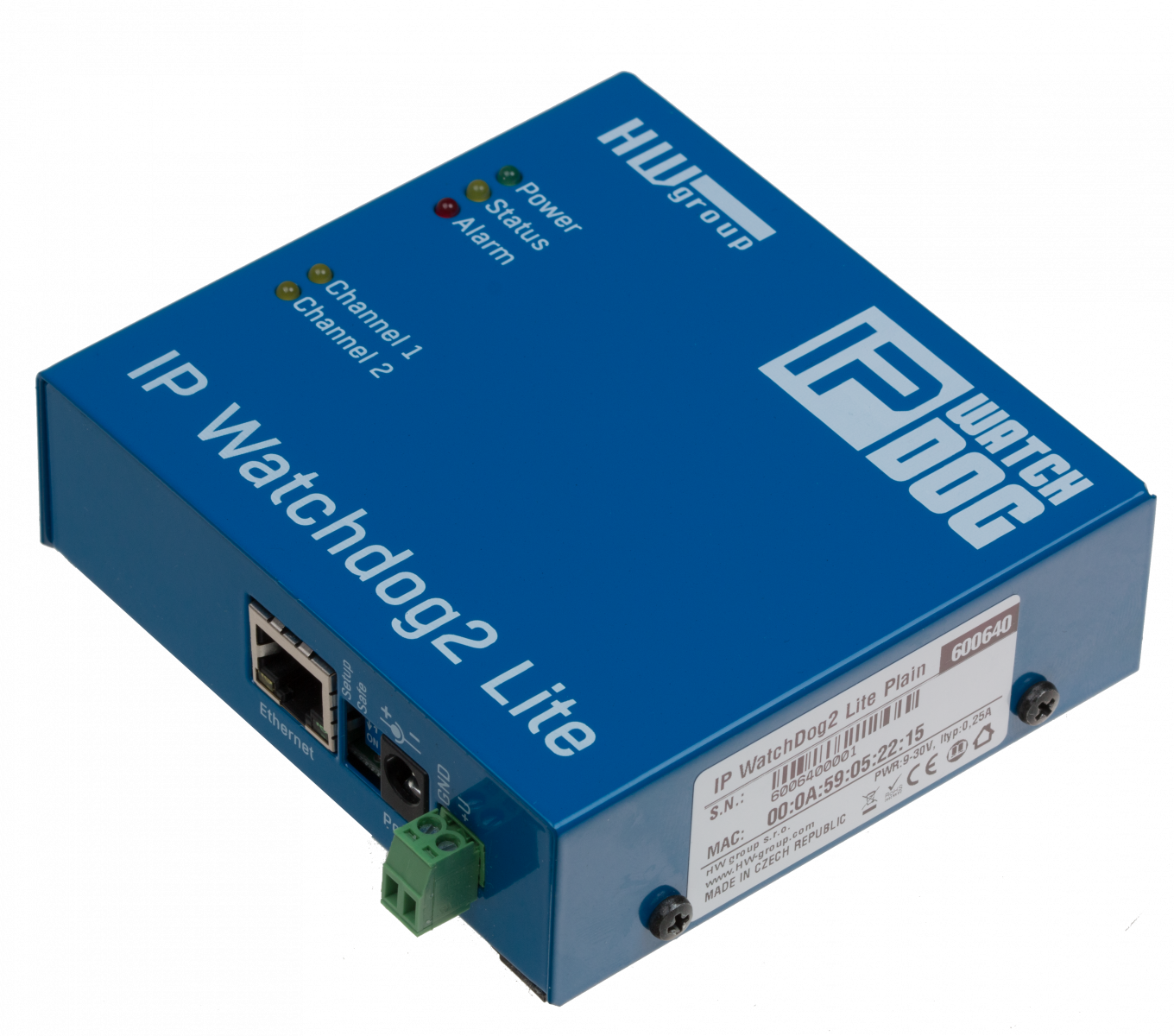
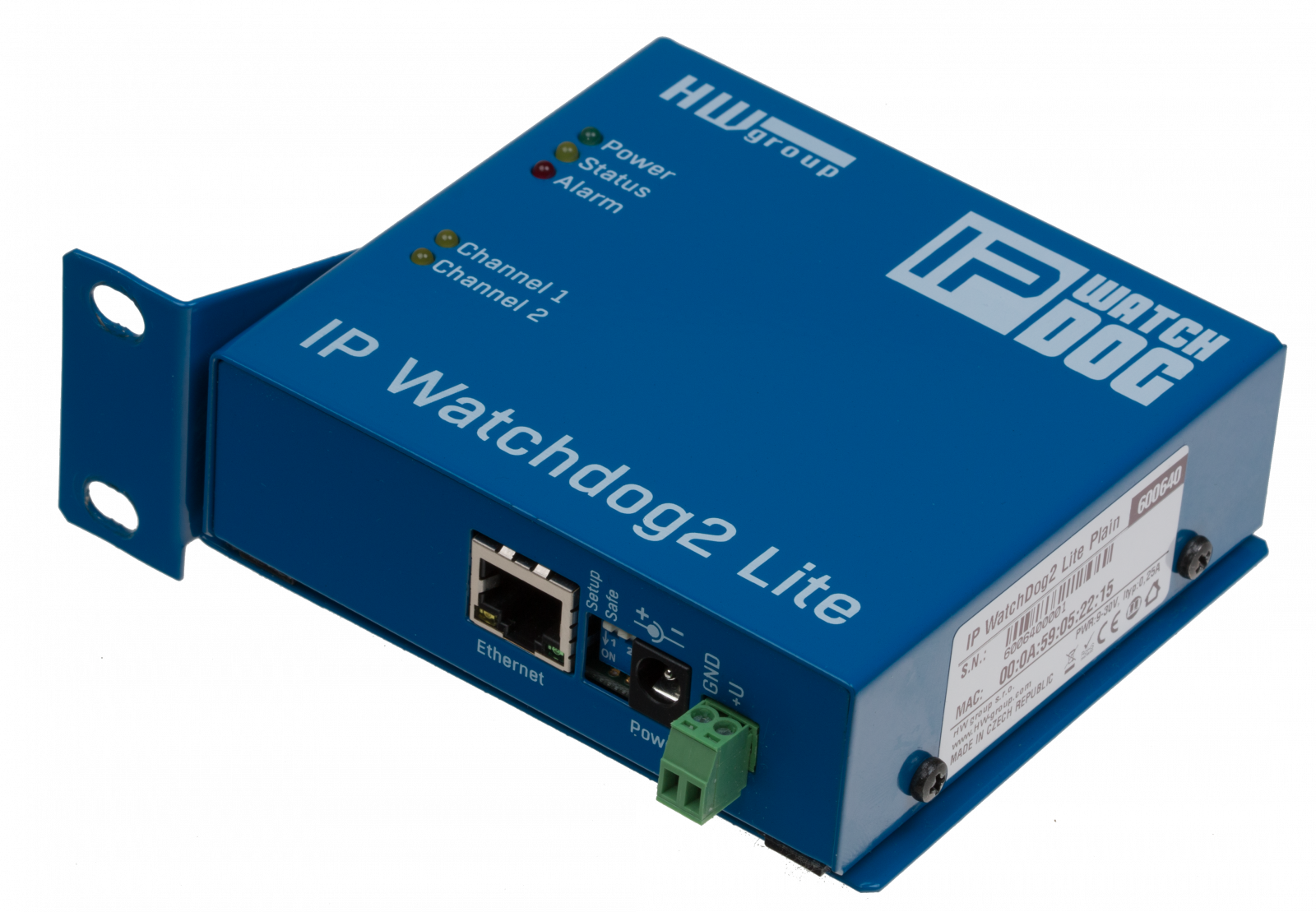
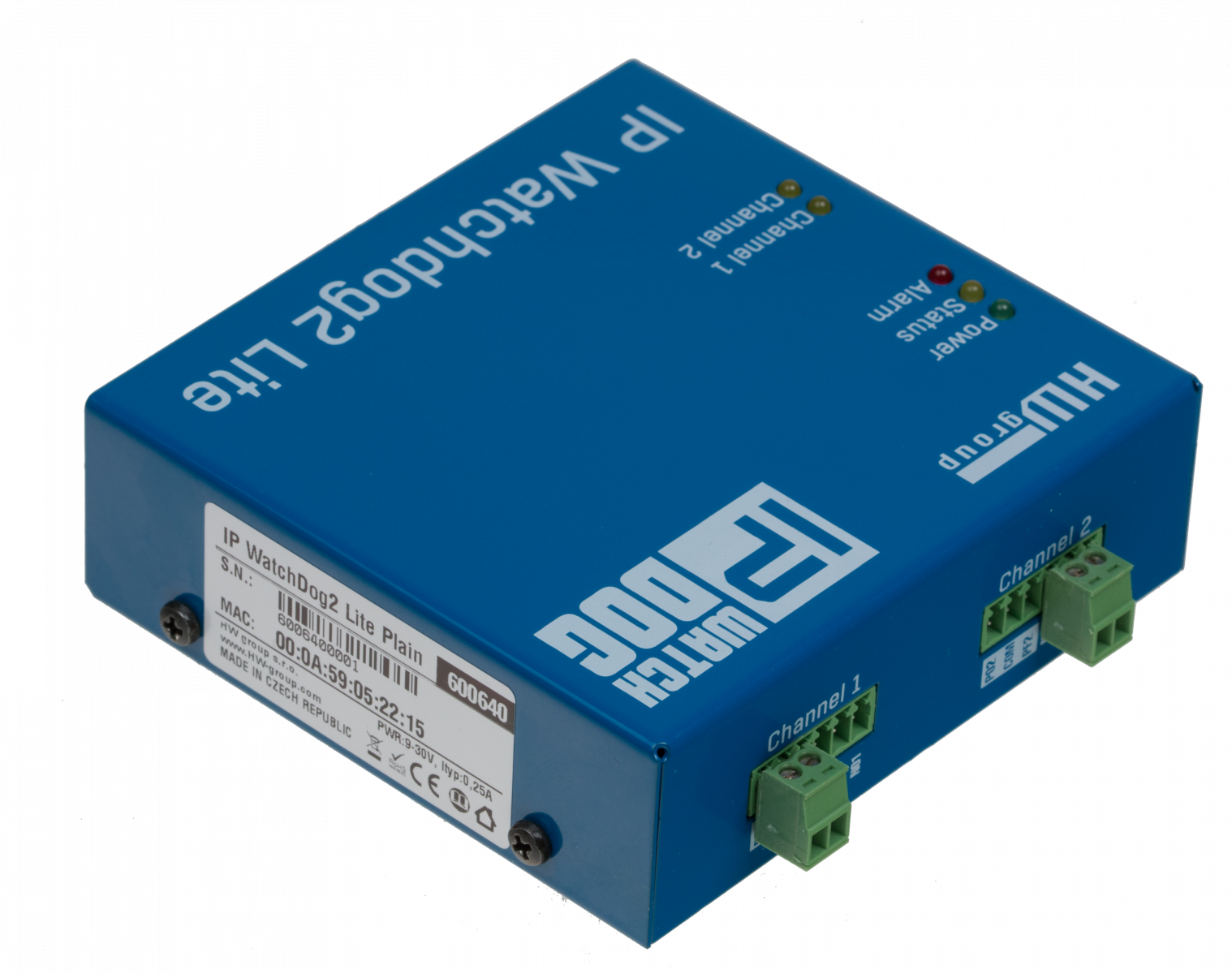
IP WatchDog - Resetator, restarter, ping monitor - Large picture

Application examples

  • Monitoring, reboot and restart of servers, routers, WI-FI AP, ADSL and cable modems, access systems and moreServer and router monitoring.
  • Monitoring of network infrastructure.
  • ADSL and cable modem supervision.
  • WIFI AP monitoring.
  • Security and access systems.
  • Backup connection activating in case network connectivity failure.


IP WatchDog functions

  • Outgoing PING, ICMP, HTTP server monitoring, HTTP clients monitoring, back up system activation, manual control over WEBMonitoring of ethernet devices using outgoing PING (ICMP)
    Note: It is possible to provide an alternative IP address for example for network line monitoring.
  • Monitoring of ethernet devices using incoming ICMP command - PING.
    Note: It is possible to define the range of allowed IP addresses.
  • Monitoring of HTTP servers activity by requesting a WWW page.
  • Monitoring activity of HTTP clients by providing a WWW page.
  • Monitoring data flow on RS-232 line by awaiting specified string.
     
  • Reset (restart) device in case of its failure.
  • Launching backup systems in case of long dropout.
  • Manual relay control via WWW interface (password protected). Remote device restart.


Basic properties

IP WatchDog - Resetator, restarter, ping monitor
  • Ethernet - RJ45 (10BASE-T - IEEE 802.3).
  • 1 serial port RS-232 (RxD, TxD, CTS, RTS, GND) - Setup mode 9600 8N1
  • 1 data input RS-232 (RxD)
  • Two independent relays intended to reset or start monitored devices.
    Relay and pin configuration depending on selected configuration (see available configurations)
  • Manual control (Startup / Shutdown / Restart) of monitored devices.
  • Time synchronization from internet / intranet, using TIME, NTP/SNTP or DayTime protocols.
  • Device configuration methods:
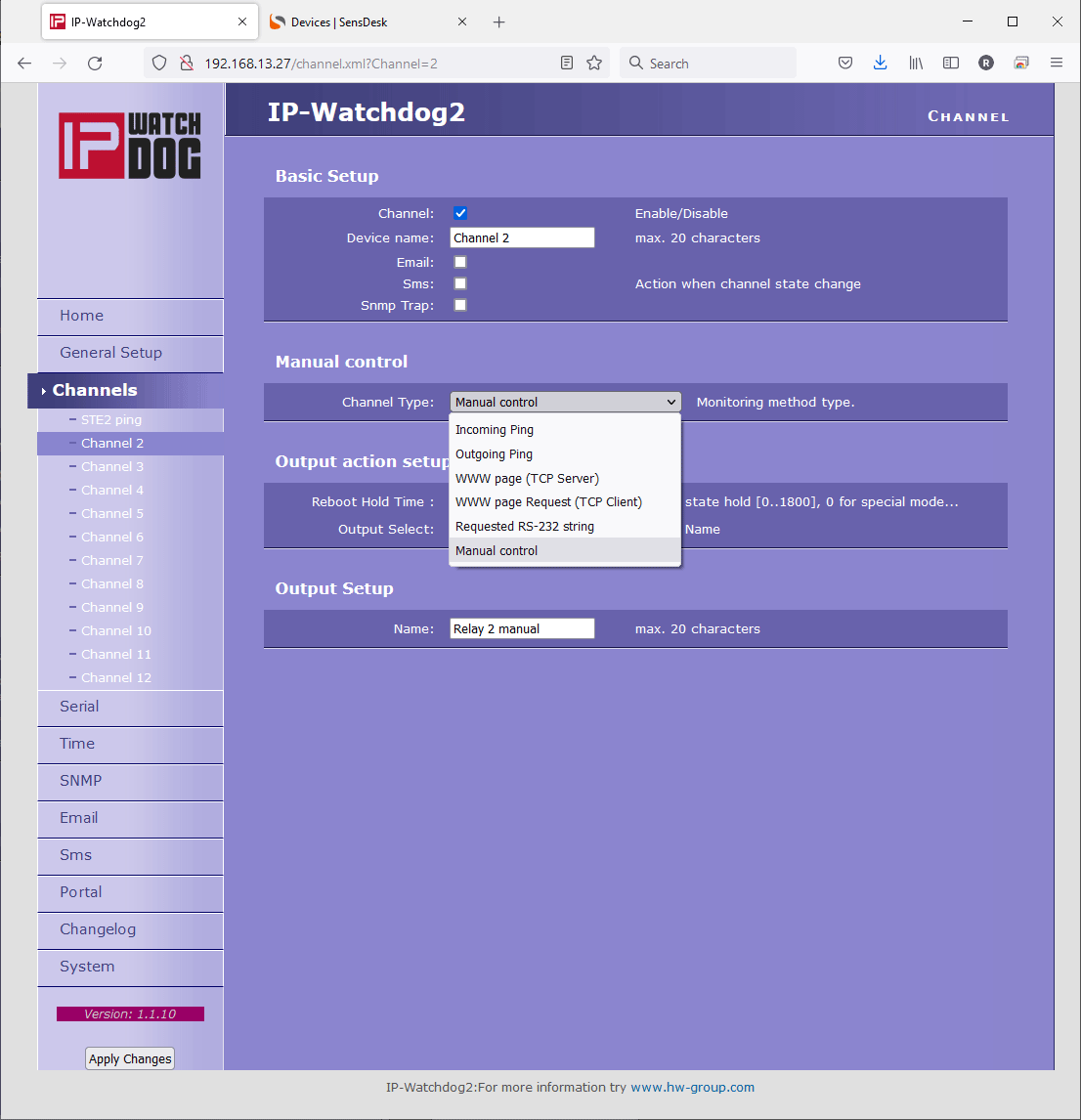
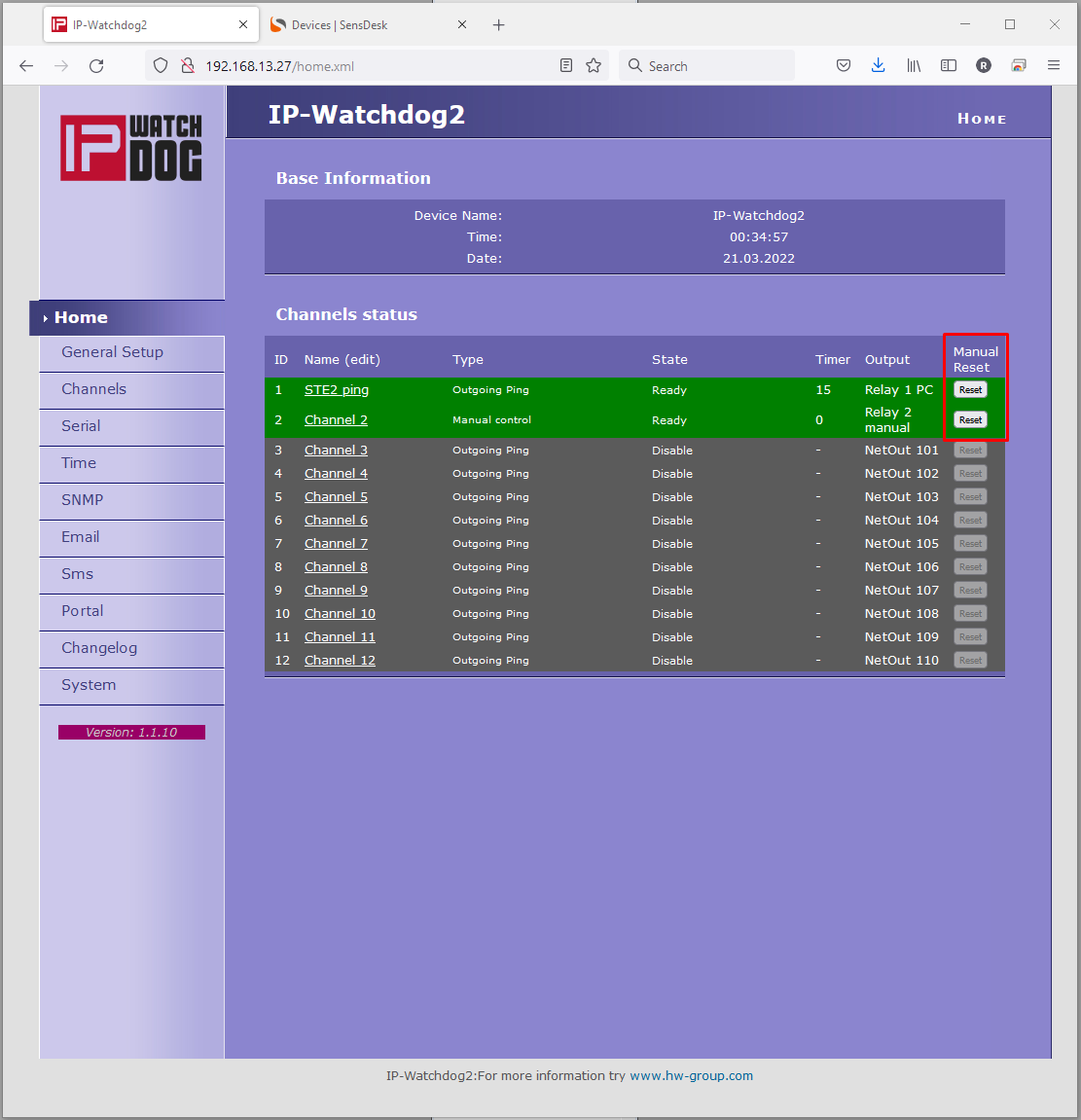
    • WWW page – configuration of device activity, including option of manual relay control.
    • RS-232 Setup – main parameters configuration over serial port from any RS-232 terminal - 9600 8N1.
    • UDP Config – configuration of basic network parameters (MASK, IP, Gateway).
    • TCP Setup – remote configuration of basic parameters in terminal over TCP.
  • Access security and relay control:
    • IP range - it is possible to define a range of IP addresses that can communicate with the device.
    • User name and password - Access to WWW pages and Serial / TCP setup
  • Power supply: 9-15 V DC
  • Dimensions: 25 x 82 x 90 [mm]
  • SW: Wide range of examples and previews for Windows and Unix/Linux.
      
  • Detailed technical specifications: IP WatchDog - Technical specifications


Download & Datasheets

Flyer Datasheet
Technical detailes to IP WatchDog (PING monitoring)


Topology

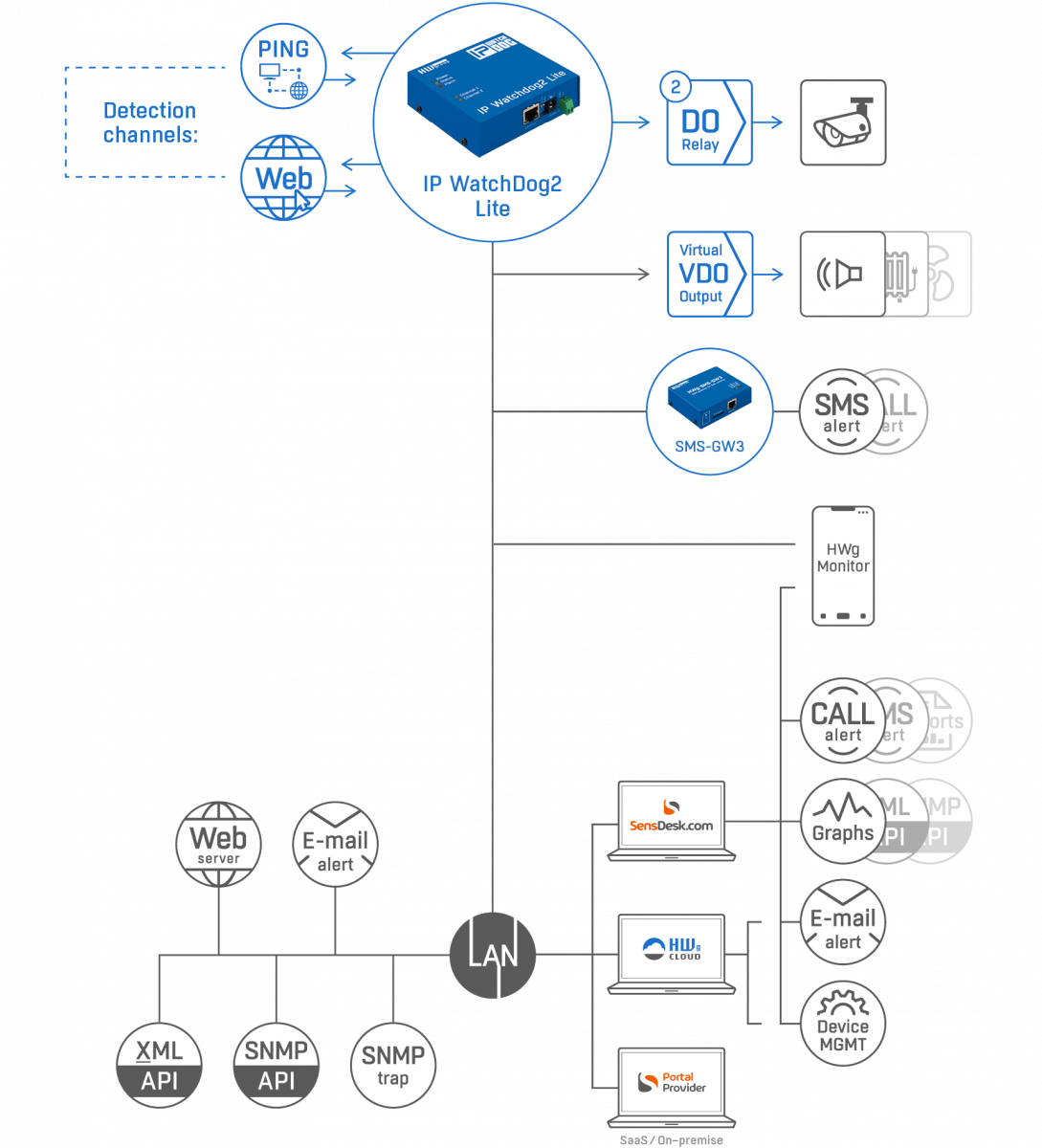
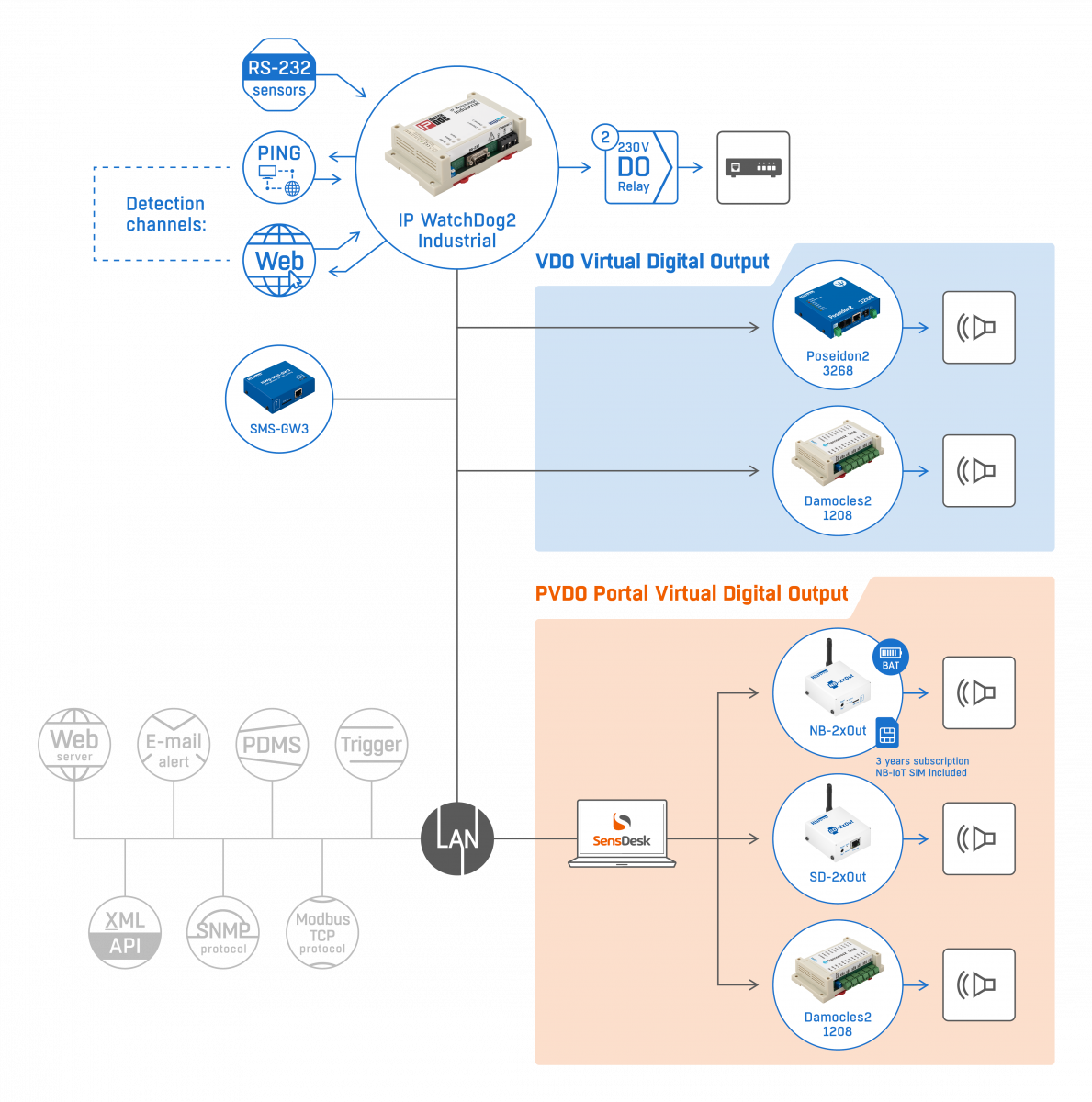
 Connection topology - Ping, Ping, Internet, intranet, WWW server, www client, rs-232, power reset

Useful SW and utilities

  • Hercules SETUP Utility
    Hercules - utility to set up IPWatchDogMultifunctional utility, used for configuring and testing the IPWatchdog device.
       
    • RS-232 terminal
    • TCP/IP Client terminal
    • TCP/IP Server terminal
    • UDP terminal
    • UDP Config
    • Test mode (TCP/IP NVT commands + TEA)

    This utility is free for use and further distribution.
    Hercules Setup Utility            


  • HTML test page Outgoing HTML Test Page
    A simple PHP script allows simple testing the functionality of Outgoing HTML page. Just fill in the form on the main page - IPWatchDog's IP address, listening port, refresh period and monitoring channel. Even though the device normally uses port 80, the port's description is necessary for remote access over local routers.
    Outgoing HTML Test Page            

Ordering the product

IP WatchDog can be supplied in several versions differing in relay's contact configuration (see the table below) . This configuration cannot be changed by user, therefore be careful choosing suitable version for your application.

Samples of the IP WatchDog are available at the moment. We always keep several pieces on stock.

The product prices can be found in Pricelist .

Standard IP WatchDog set

IP WatchDog set is intended for an immediate use. It contains the device itself, manual, CD and necessary cabling.
  • IP WatchDog in a metal enclosure [600 103]
    Configuration of channel output depends on set version.
  • LapLink cable [600 063]
    Serial communication cable (2 DB9F) for device configuration via RS-232 
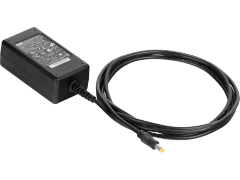
  • Power adaptor - European version [600 080]
    (or US version [600 081] or UK version [600 082])
  • Printed manual (datasheet on CD)
  • CD containing necessary software - /IP_WatchDog/ directory


Note:
If you need other power adaptor than the European version, please, specify this in your order, so we can send you US or UK version of the adaptor.


Individual device versions

IP WatchDog can be supplied in several versions differing in relay's contact configuration (see the figure below). This configuration cannot be changed by user, therefore be careful choosing suitable version for your application.

Ordering No.
Product name
Device version
600 007
IP WatchDog set PO/NO
Channel1 = PO, Channel2 = NO
IP WatchDog set PF/NO
Channel1 = PF, Channel2 = NO
600 009
preferred
IP WatchDog set NO/NO
Channel1 = NO, Channel2 = NO
IP WatchDog set NC/NO
Channel1 = NC, Channel2 = NO
IP WatchDog set PO/NC
Channel1 = PO, Channel2 = NC
IP WatchDog set PF/NC
Channel1 = PF, Channel2 = NC
IP WatchDog set NO/NC
Channel1 = NO, Channel2 = NC
IP WatchDog set NC/NC
Channel1 = NC, Channel2 = NC
600 015
IP WatchDog set PO/PO
Channel1 = PO, Channel2 = PO
IP WatchDog set PF/PO
Channel1 = PF, Channel2 = PO
IP WatchDog set NO/PO
Channel1 = NO, Channel2 = PO
IP WatchDog set NC/PO
Channel1 = NC, Channel2 = PO
IP WatchDog set PO/PF
Channel1 = PO, Channel2 = PF
IP WatchDog set PF/PF
Channel1 = PF, Channel2 = PF
IP WatchDog set NO/PF
Channel1 = NO, Channel2 = PF
IP WatchDog set NC/PF
Channel1 = NC, Channel2 = PF
  • PO (Power On) - after turn on, the external power supply leads out over (A = +, B = GND) switching contact (switched on after startup).
    Note: Recommended for connecting a power cable to device.
  • PF (Power Off) - after turn on, the A and B terminals are without potential (A = +, B = GND); switching contact (open after startup).
  • NO (Normally Open) - switching contact is open after the power on.
    Note: Recommended for parallel connected to the RESET button.
  • NC (Normally Close) - break contact is closed after the power supply turned on.


>> Product pricelist >>

Optional accessories and related products

Optional accessories: switching contact, break contact, converter


Extra features, what we are preparing

The functions and adjustments stated below are already in development or their development is presumed.

  • IP WatchDog Lite - a simpler version in plastic casing, without serial ports and WWW outgoing and incoming monitoring functions. IP WatchDog Lite is already available!
  • IP WatchDog 2 - a planned upgrade with repeated RESETs of monitored devices, Wake on Lan function used to start up back-up devices, logging resets, sending alarms via SMS and SNMP.

If you are interested in any of these extensions or if you have any questions, want to implement these functions in your own projects or if you are are interested in customer development related to these technologies, please, contact us.


Frequently asked questions

Ask for the price or details:
NAME:* 
Company: 
 - Web:  http://
Email:* 
Newsletter:
Phone: 
Country: *

Spam protection. How many is five times six?

Question : What is the difference between IP WatchDog and Lite version?
Answer : Unlike the Lite version, the full version can monitor serial RS-232 line and WWW servers. The Lite version only supports the PING functions (incoming and outgoing). On the other hand, the full version requires HW configuration of the relay's contacts done by the producer, but the Lite version have two switching pins lead out for each channel, while one is connected to the power supply.

Question : Can I use IP Watchdog for monitoring internet connection?
Answer : Yes, the easiest way is to use PING command and check whether there is connection between you and server (for example Seznam or Google) that supports PING commands.

Question : Is there any guaranty that IP Watchdog will be able to monitor my device?
Answer : Yes, if it provides WWW page or it can respond to a PING.

Question : Closing time of the relay after reset is too long. Is it possible to shorten it?
Answer : Default interval is 5 seconds. You can change it using the Reboot Hold Time parameter from the Channel Admin Page.

Question : How can I start stand-by system by IP WatchDog? You always mention only RESET function.
Answer : Resetting the monitored device is a primary function of the device. Starting the backup systems only extends its functionality as a special mode that can be activated by setting the Reboot Hold Time parameter to 0. IP WatchDog then stays in the RESET mode until it receives signal that informs that the monitored device is active.
This can be used not only for starting an alternative connection but also for lighting up a warning lamp.

Question :How can I avoid repeated attempts to reset, if the monitored device after first RESET does not respond?
Answer : Unfortunately you cannot. The only thing you can do, is setting the Timeout After Reboot to 0. The IP WatchDog will then wait for the first incoming signal from the monitored device. WatchDog does not allow repeating RESET attempts in combination with this configuration.

Question : Is it possible to control network devices with IP WatchDog (at 230V or 110V)?
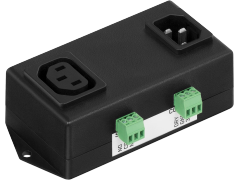
Answer : Not directly. The internal relay can only switch voltage up to 50V, but it is possible to use external relay at DIN molding with configuration PO (picture of the relay).

Question : How can I change the relay configuration. For example from NO to PF?
Answer : The relay configuration is given by HW configuration and cannot be changed. If you have chosen wrong combination, you'll have to use an external relay or apply for changing the configuration.

Question : How long it takes for IP Watchdog to execute first reset after startup? Can I configure it somehow?
Answer : First reset after startup is defined by parameter Timeout after reboot.

Question : I'm not able to "ping" my IP WatchDog or my computer from the Watchdog. What's wrong?
Answer : First, make sure the Ethernet on the IP Watchdog is enabled. That means that it is not in the Setup mode (red indicator does not blink and WWW page can be displayed by entering Watchdog's IP address in the browser). If everything is OK, make sure there is no Firewall blocking the communication. If there is some, disable it. Please know, that even the firewall included in Windows XP - SP2 can filter PINGs. Make sure the firewall does not block ICMP commands or echo reply and echo request that PING uses, and enable them or use alternative control method (e.g. by WWW page). Some servers block PING commands to prevent "pinging" it down (so called Ping of Death attack).


Similar and related products

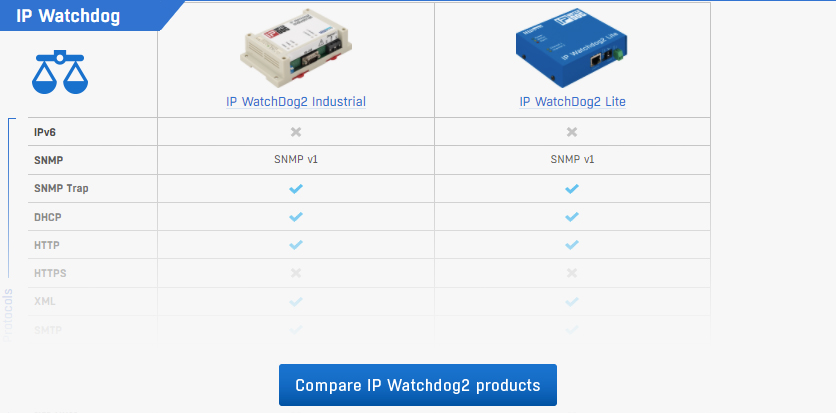
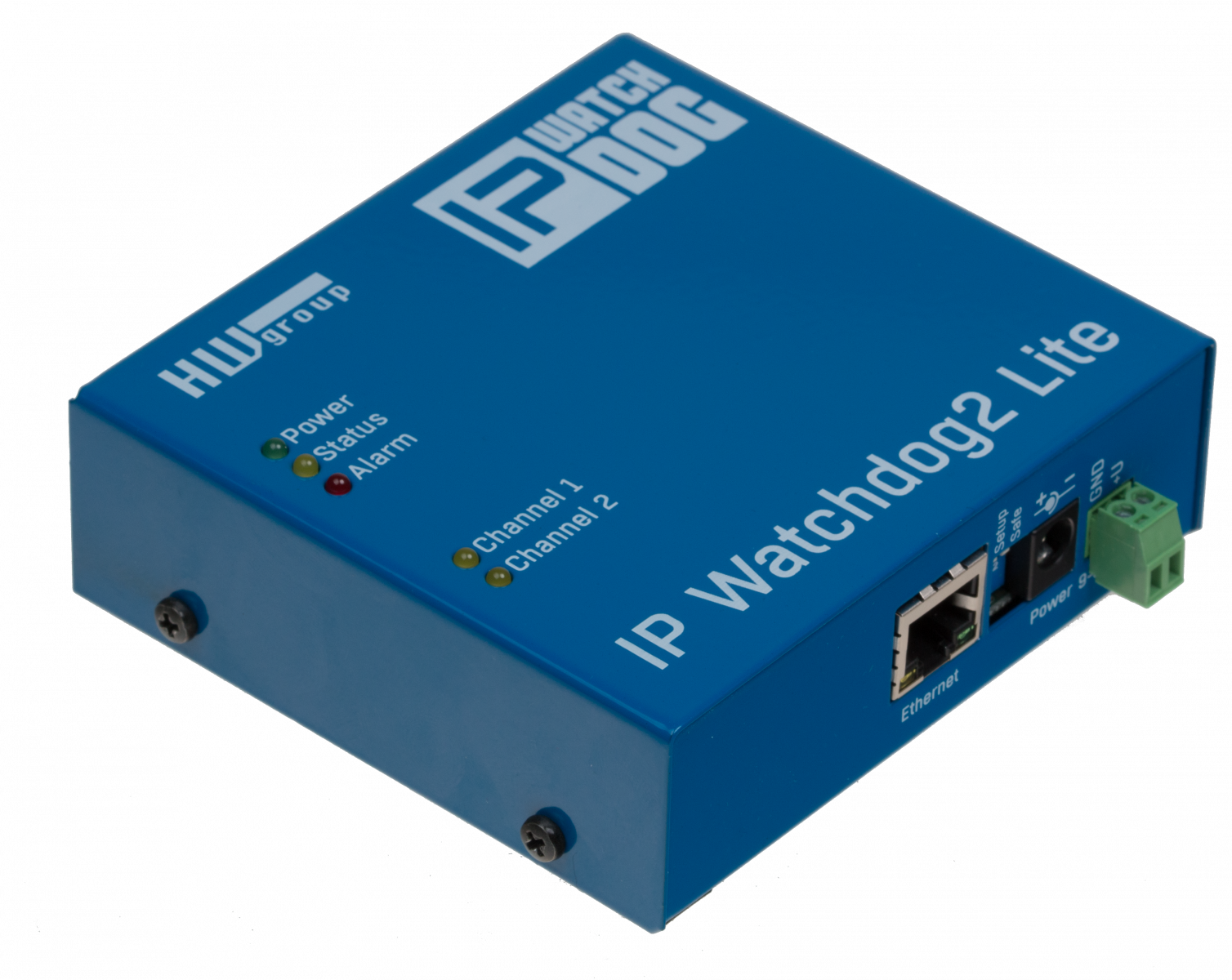
  • IP WatchDog Lite
    The Lite version of the rebooter for a daily use. Compared to the full version it does not support monitoring WWW servers by requesting HTML pages or searching for specific strings in the RS-232 data stream. On the other hand it provides two switching relay contacts for each channel, one of them is for power supply.
  • IP Relay
    2x Relay contact + Ethernet to RS-232/485 converter, supports Server and Client/Server mode, NVT, TEA authorization, "tunnelling" RS-232 over TCP/IP and UDP/IP etc.  
  • Ethernet I/O Controller
    Connecting digital inputs and outputs over Ethernet, together with serial line. The digital inputs can be monitored (I/O Controller is in server mode), or the device itself reports any input changes (Client/Server mode).