|
IP WatchDog - Technical specification
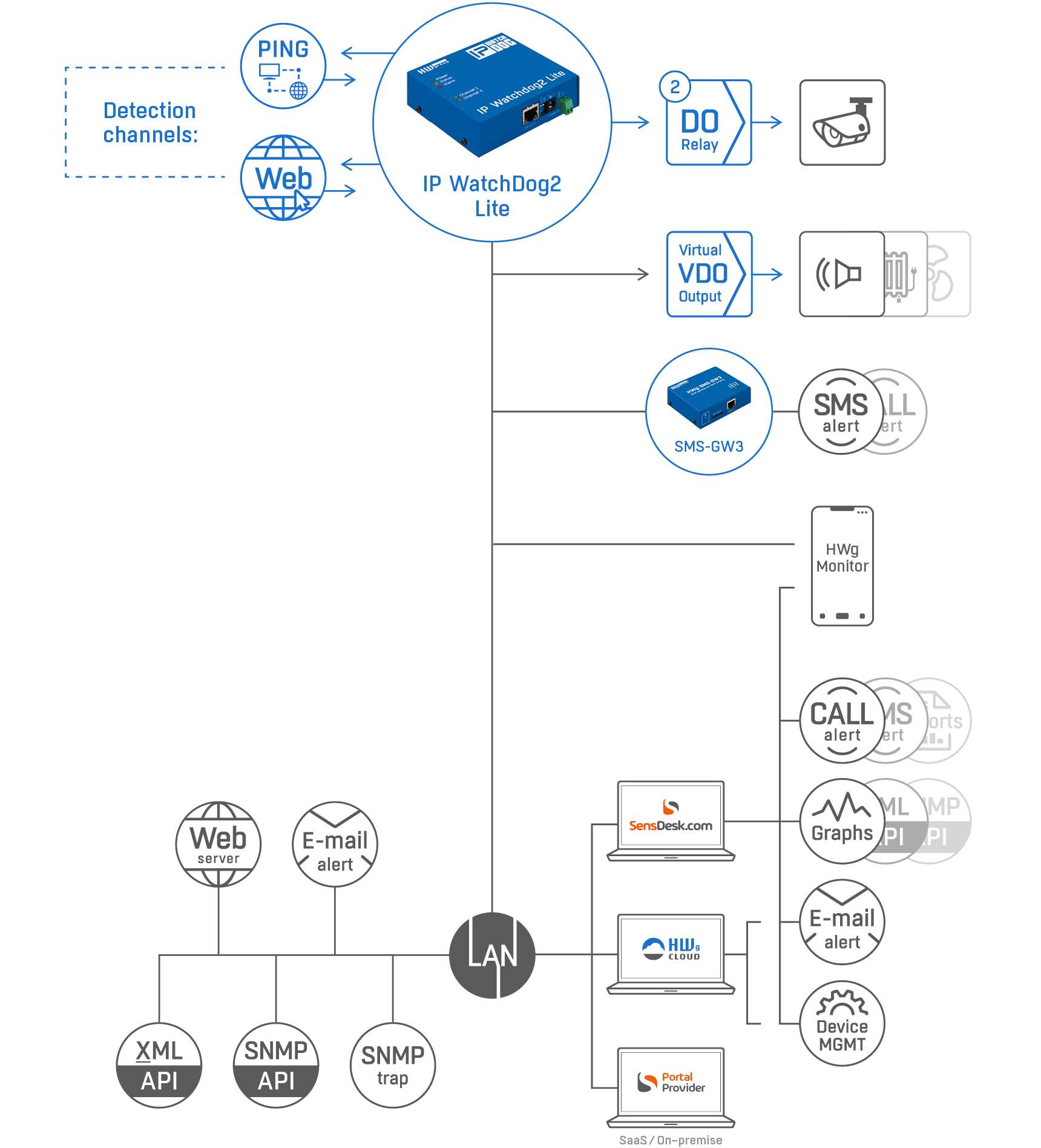
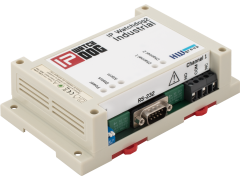
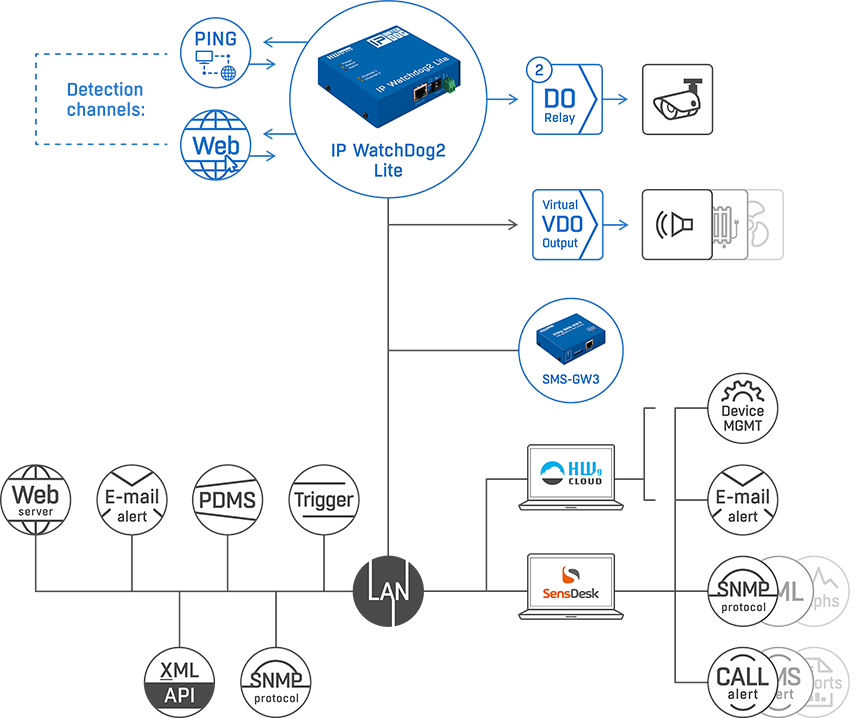
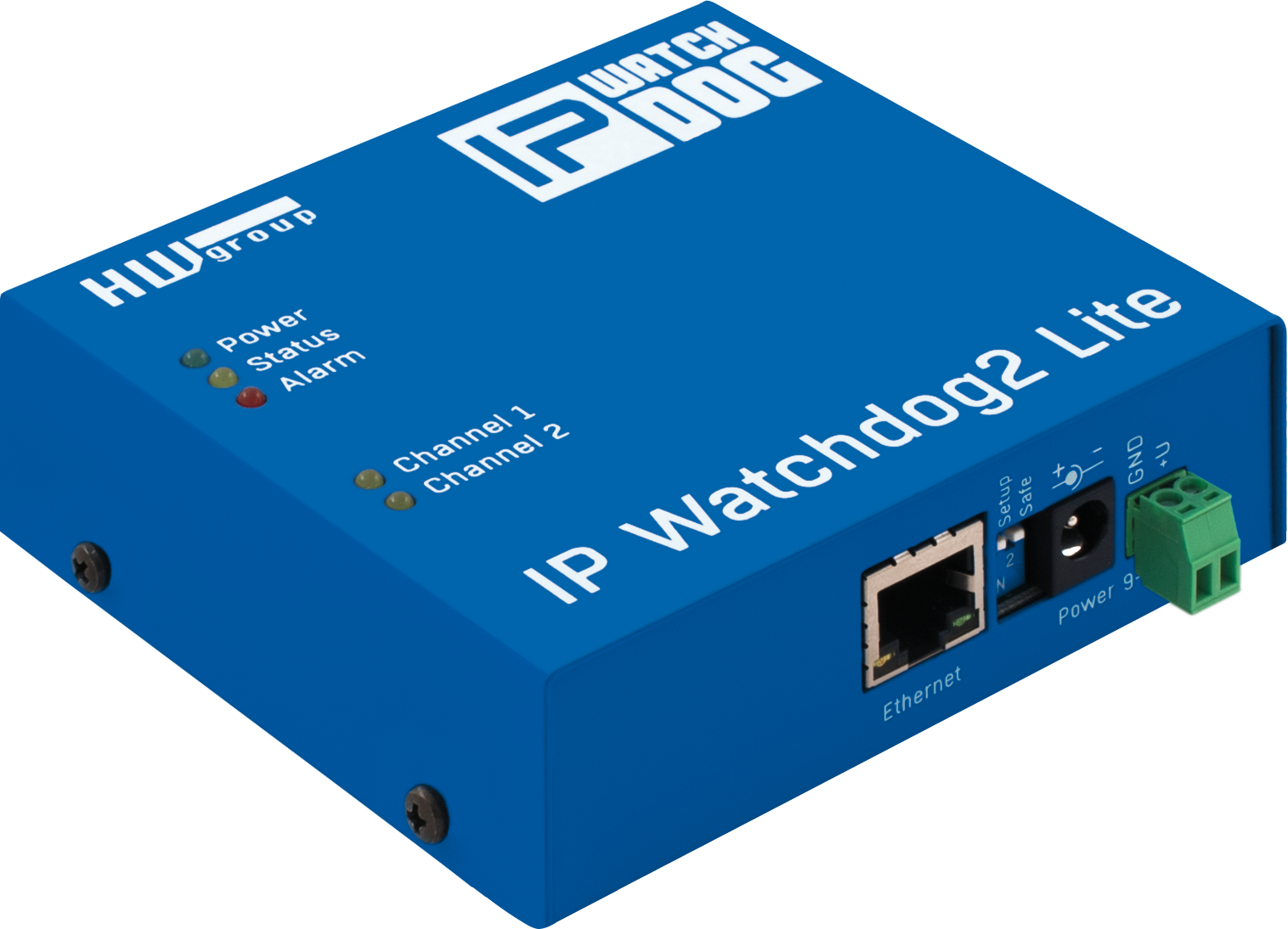
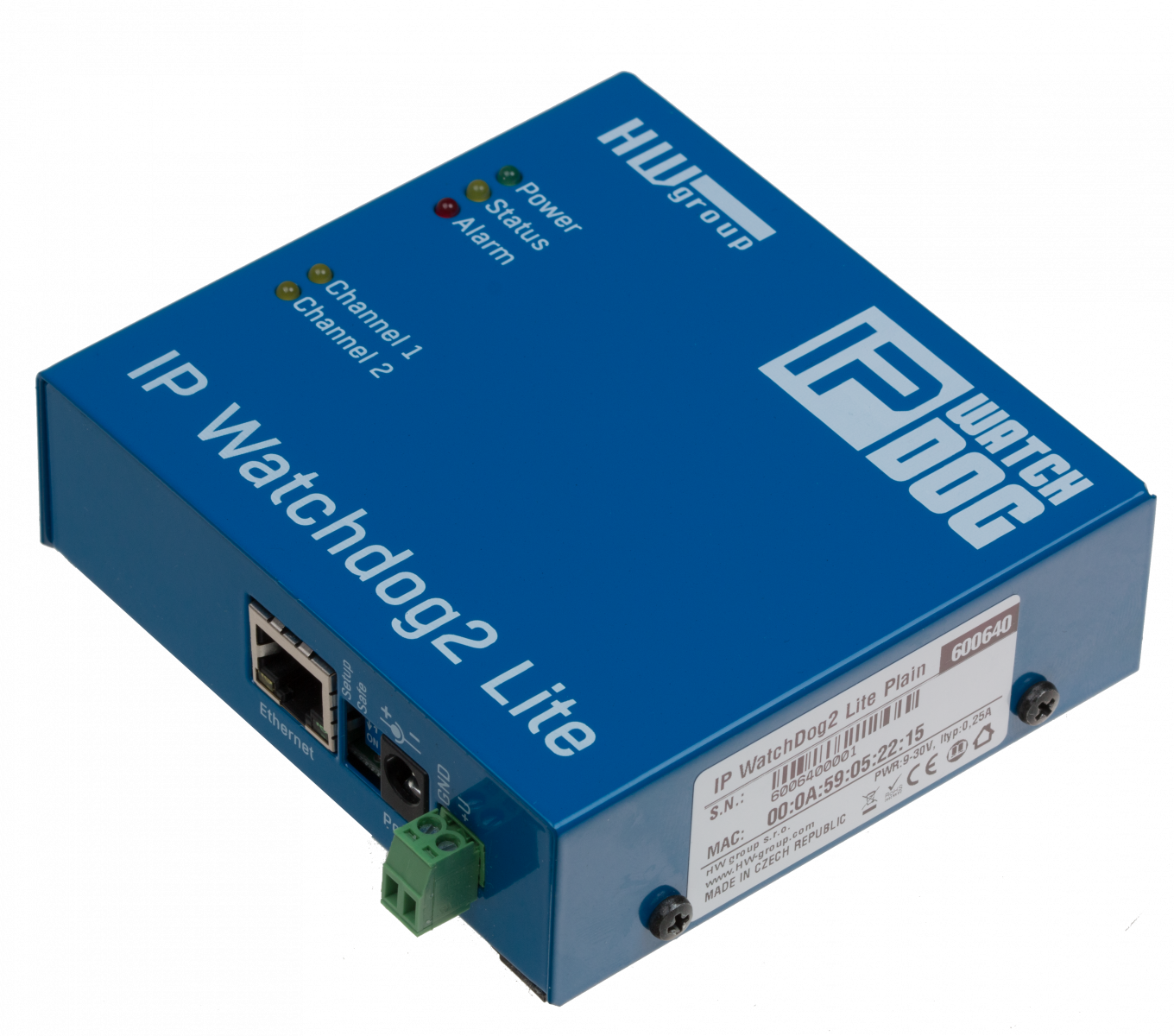
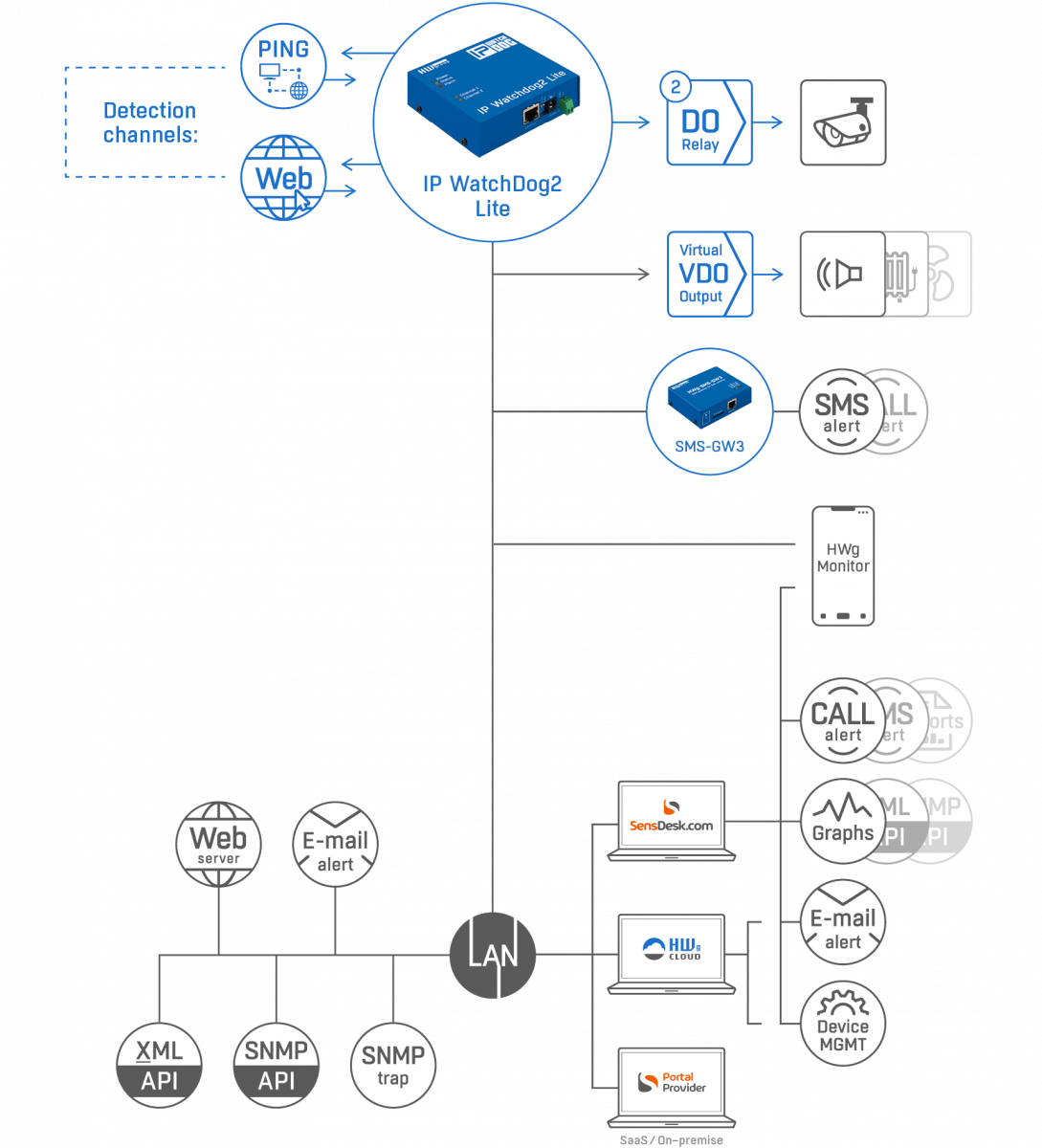
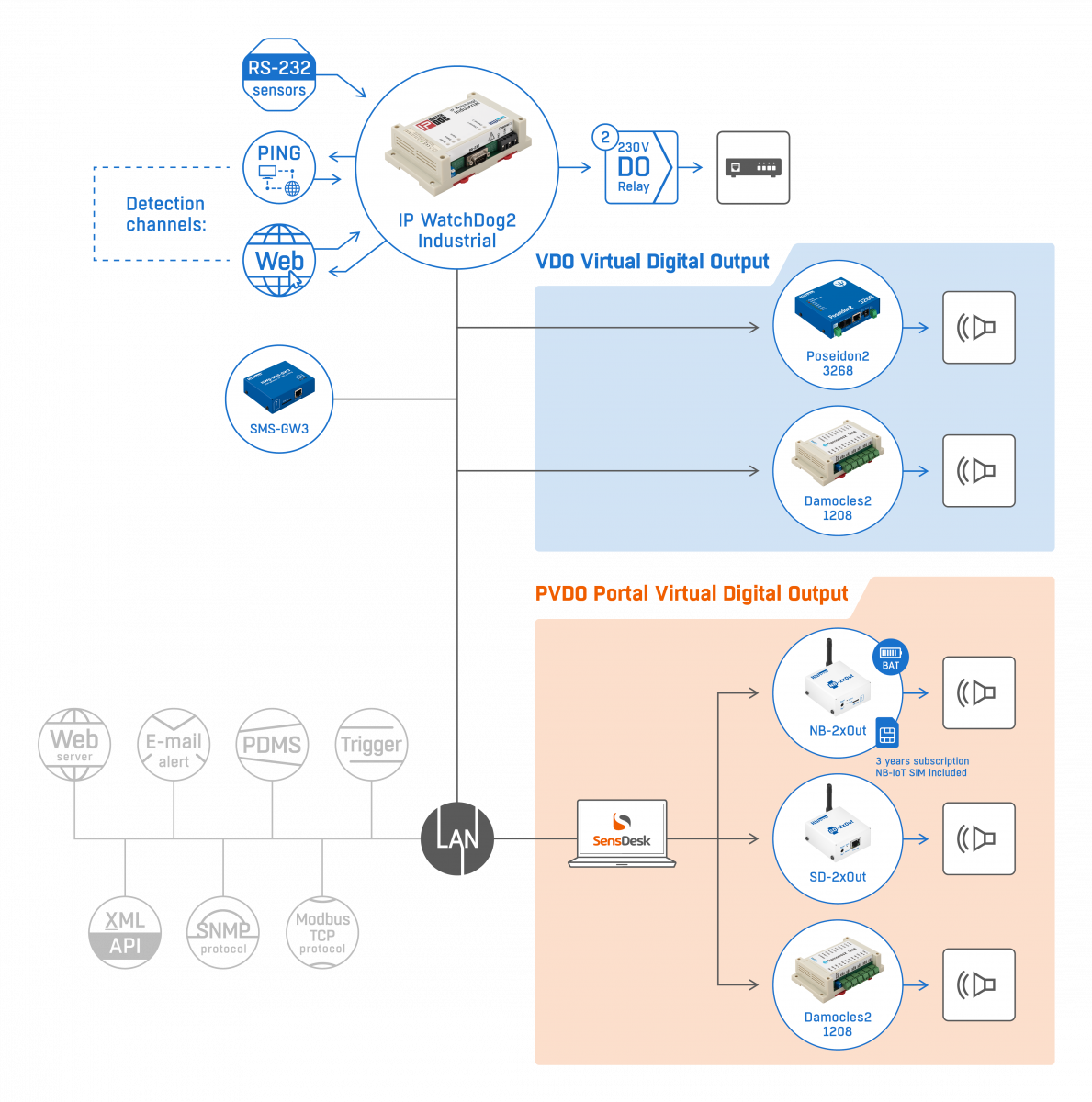
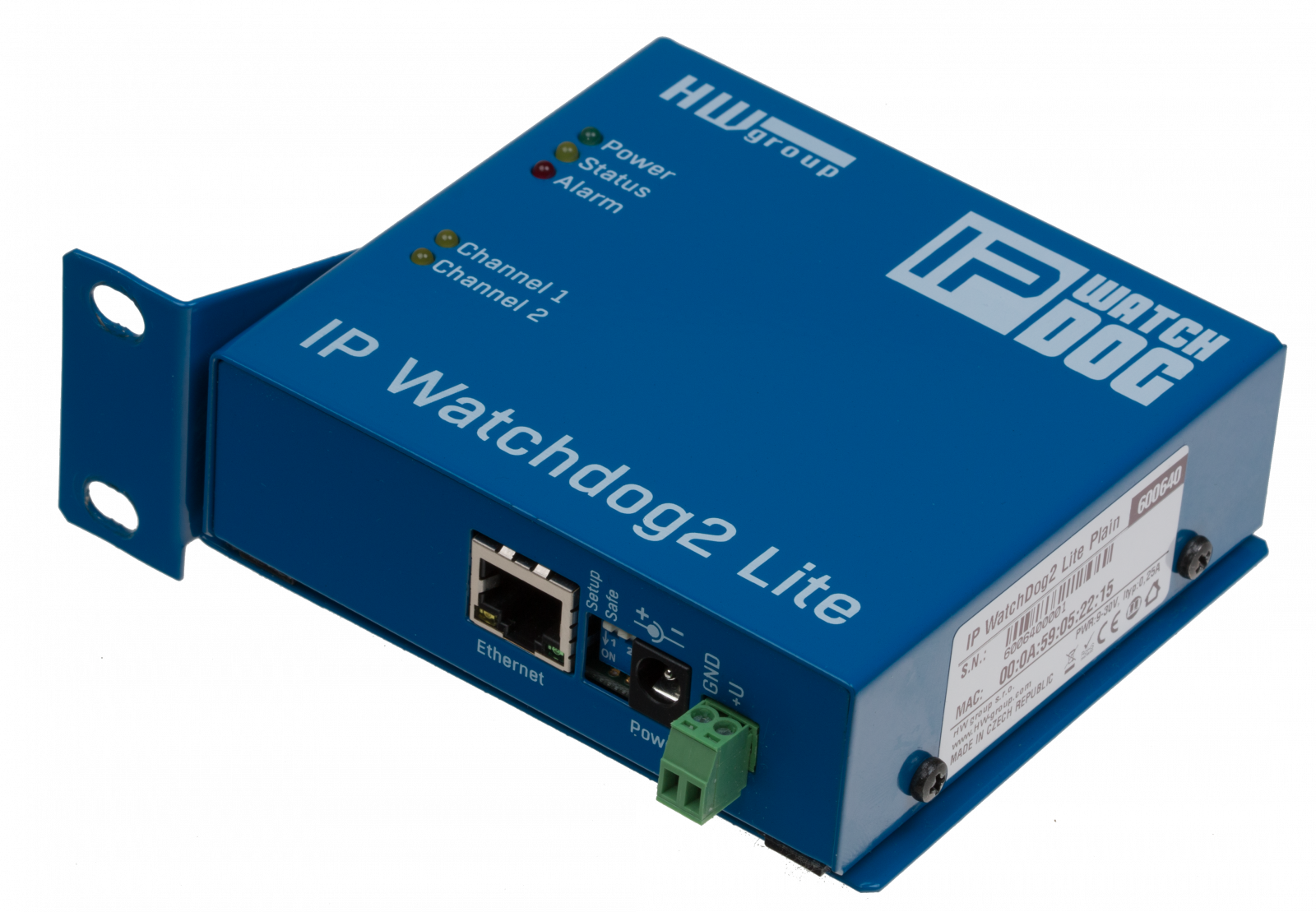
WatchDog is a device intended for monitoring Ethernet and serial (RS232, RS485) devices provided by tracking serial communication, ICMP ping function or requesting the WWW page. By the means of these functions it can RESET up to two monitored devices, such as servers, routers, access and security systems.
Technical specifications
| Ethernet port |
|
| + Interface |
RJ45 (10BASE-T) – 10 Mbit or 10/100 Mbit network
compatible |
| + Compatibility |
Ethernet: Version 2.0/IEEE 802.3 |
| + Supported
protocols |
IP: ARP, TCP/IP, NVT, RFC2217, UDP/IP, TIME, NTP, SNTP, DAYTIME |
| |
| Serial port 1 – Serial Setup / Channel 1 |
| + Data bits |
8 |
| + Stop bits |
1 |
| + Parity |
None |
| + RS-232 interface |
RxD,TxD,RTS,CTS,GND |
| + Communication speed |
configurable within the range of 50..115200 Bd |
| |
| Serial port 2 – Channel 2 |
| + Data bits |
8 |
| + Stop bits |
1 |
| + Parity |
None |
| + RS-232 interface |
RxD on pin 7 |
| + Communication speed |
configurable within the range of 50..115200 Bd |
| |
| Possible relay contact configurations * |
| + PO (Power On) |
When started the external supply voltage lead out over (A = +, B = GND) breaking
contact. |
| + PF (Power Off) |
When turned on, the A and B terminals without power (A = +, B = GND); switching
contact |
| + NO (normally opened) |
The switching contact, which is open on the startup, is lead out to A and B contacts. |
| + NC (normally closed) |
The breaking contact is lead out to A and B contacts. Closed on startup. |
| * The individual versions can be combined according to the version tablet. |
| |
| Relay contact capacity |
| + DC voltage |
max. 50V / 1A |
| + AC voltage |
max. 100V / 2A |
| |
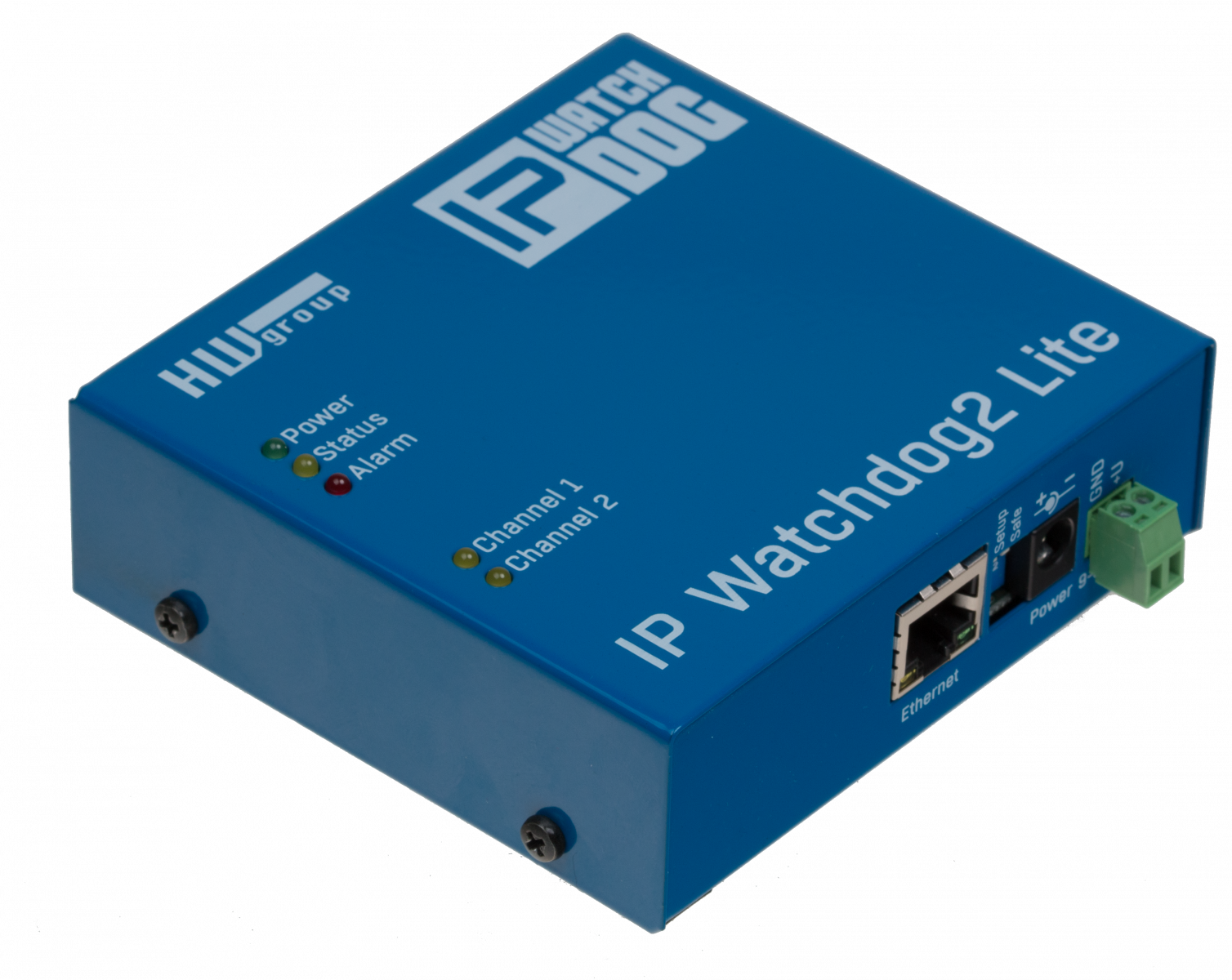
| LED Status indicators |
| + POWER (green) |
Power on |
| + LINK & Activity (green) |
Ethernet interface active |
| + Channel 1 (yellow) |
Blinks fast – channel 1 in Reset state.
Short blink –
receiving the requested monitored information on the channel 1
(ping, HTML page, string on the RS-232). |
| + Channel 2
(yellow) |
Blinks fast – channel 2 in Reset state.
Short blink – receiving
the requested monitored information on the channel 2 (ping, HTML
page, string on the RS-232). |
| + Setup / NTP (red) |
Blinks fast – device in Setup mode (Serial/TCP).
Short blink – time synchronization. |
| |
| DIP SWITCH configuration |
| + DIP1 - RS-232 Setup |
ON = RS-232 Setup mode (9600 8N1)
OFF = Ethernet mode |
| + DIP2 |
Not used |
| + DIP3 - Security |
ON = Securing serial / TCP setup with user name and password (if set)
OFF = No security |
| + DIP4 |
Not used |
| |
| Environmental conditions |
| + Operating temperature |
-5 to +50 °C |
| + Storage temperature |
-5 to +75 °C |
| + Humidity |
5 to 95 % |
| |
| Environment parameters |
| + Operating temperature |
-5 to +50 °C |
| + Storage temperature |
-5 to +75 °C |
| + Relative humidity (non-condensing) |
5 to 95 % |
| |
| Other parameters |
|
| + Time synchronization
interval |
1800 s |
| + Voltage |
12-15 V/ 500 mA DC - coaxial power connector, GND on the circuit. |
| + Mounting method |
mere box, “L” profiles or mounting to the DIN molding. |
| + Dimensions |
25 x 82 x 90 [mm] (H x W x D) |
| + Weight |
450 g |
.
Port 1 - DB9F |
|
| Connector DB9F (RS-232) |
| |
Channel1 |
Channel2 |
|
|
| 1 |
|
|
- |
Not used |
| 2 |
TxD |
|
--> |
Transmit Data 1 |
| 3 |
RxD |
|
<-- |
Receive Data 1 |
| 4 |
|
|
- |
Not used |
| 5 |
GND |
--- |
System Ground |
| 6 |
|
|
- |
Not used |
| 7 |
CTS |
RxD |
<-- |
Clear to Send 1 |
| 8 |
RTS |
|
--> |
Request to Send 1 |
| 9 |
|
|
- |
Not used |
|
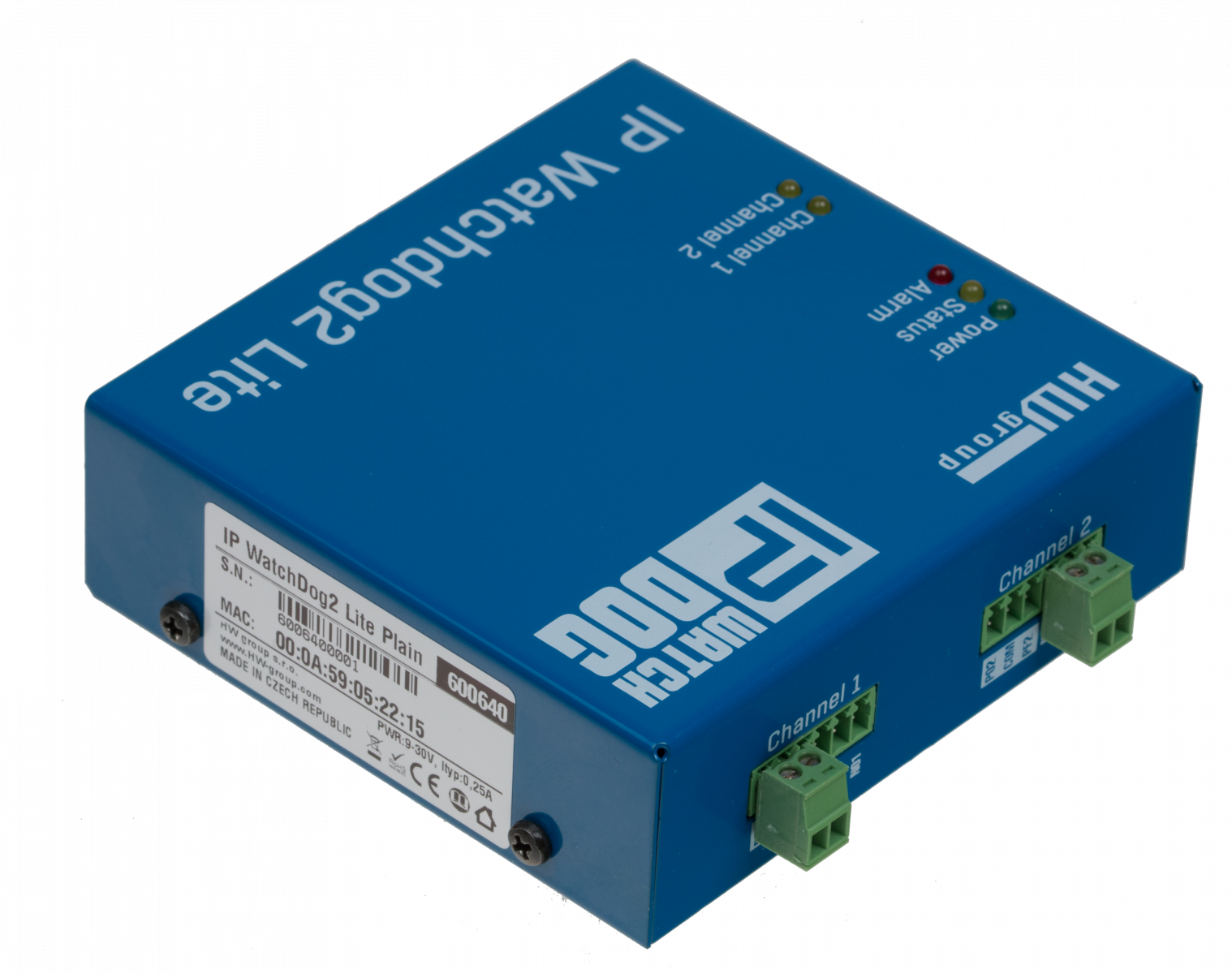
| Terminal board description |
| Pin |
Output |
Power |
|
| 1 |
CH1 A |
PWR (+) |
The contact function depends on the supplied configuration. More information about contact types can be found at the end of this page. |
| 2 |
CH1 B |
GND (-) |
| 3 |
CH2 A |
PWR (+) |
| 4 |
CH2 B |
GND (-) |
| Description of DIP switches |
| DIP 1 |
ON = RS-232 SETUP mode
OFF = Operating mode |
| DIP 2 |
Unused |
| DIP 3 |
ON = Setup mode and WWW secured
OFF= No security |
| DIP 4 |
Unused |
|
Mechanic dimensions
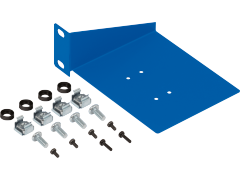
The device is situated in a sturdy metal box. "L" profiles for wall mounting or removable holders for the DIN molding are available.
- Usually the box contains rubber stands.
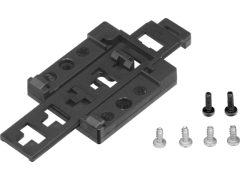
- Further you can order a removable holder for DIN molding, that is mounted from
below in the Center of the plate.
- You can also order two metal "L" profiles for wall mounting.
The description of accessories can be found at the end of this manual.
Basic channel configuration options
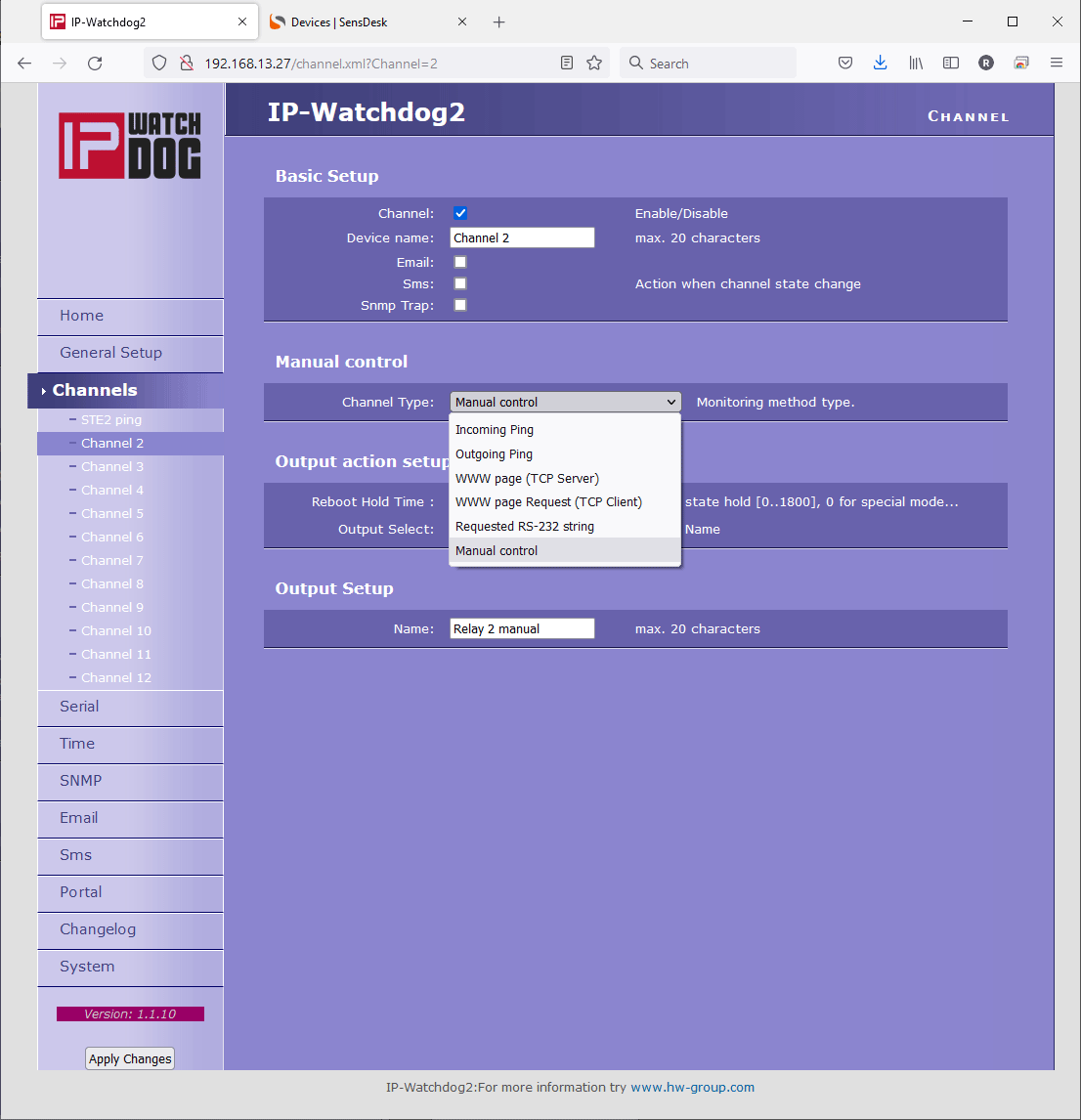
- Device name – Makes orientation easier when configuring channels and solving the problems with monitored device. It can contain at most 20 characters.
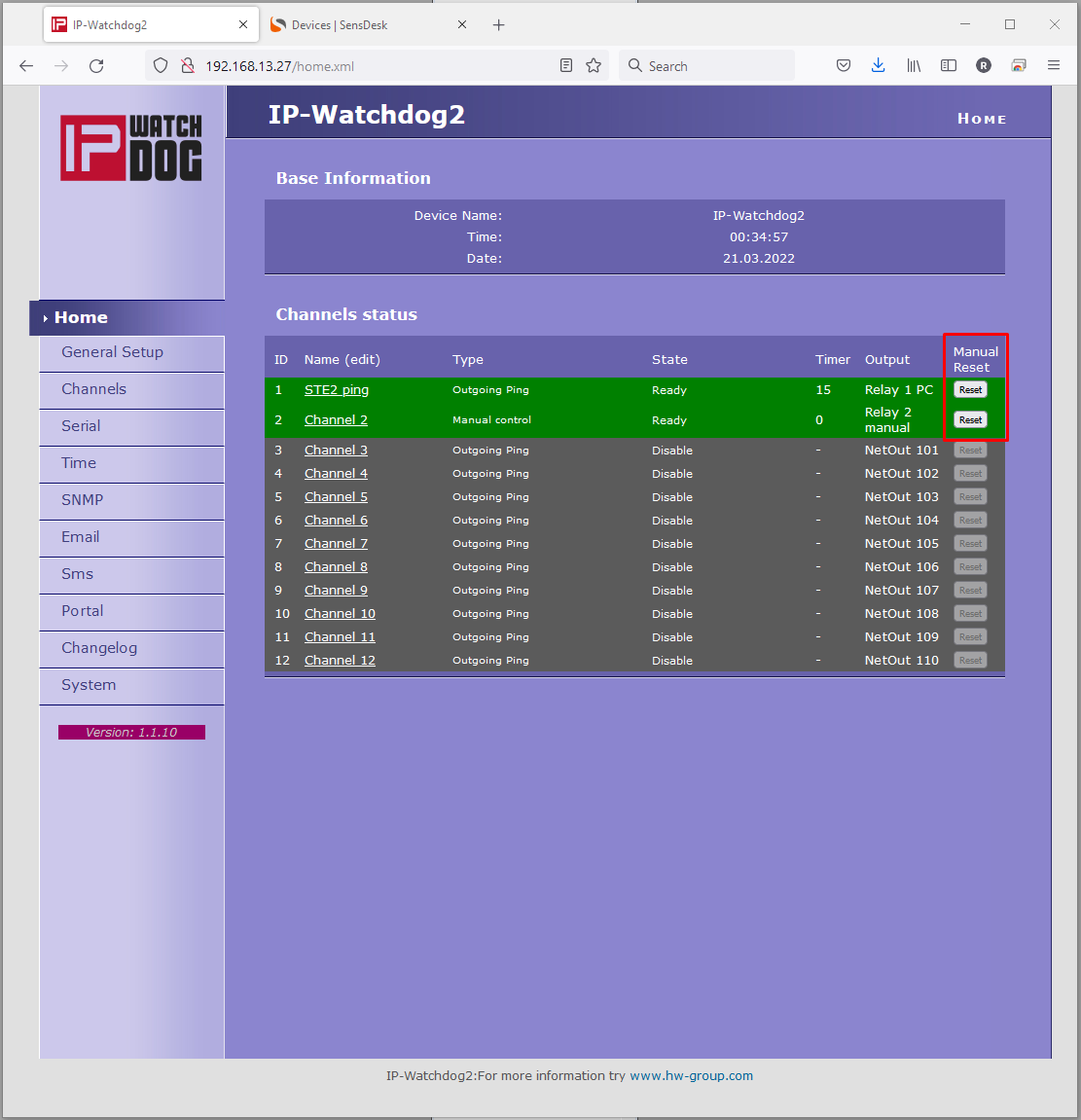
- Reboot Hold Time – duration of the Reset state. Allows setting time when the channel/relay stays in reset state (manual or automatic). Duration can be set from interval 1-1800 seconds. If this parameter is set to “0” then the Reset state lasts until the next refreshing impulse comes. This mode is suitable for activation of the backup device or identification of the error state using other signalization means. More information can be found in the Reboot Hold Time paragraph of the chapter “Application hints”.
- Timeout After Reboot – time interval that IP WatchDog waits before causing other Reset after previous one (or after first launch of the device), if monitored data are not received. The Interval can be from range of 0-1800 seconds. The “0” value causes device to wait for first incoming data from the monitored device.
- Channel enabled/disabled – enables/disables a channel.
- Channel type – Information on relay pin configuration of specific channel (see Channel type in Main Page)
- Initial Channel State – idle state of the channel after startup (Open / Close / PowerOn) Depending on configuration used (see chapter Device versions).
- Reboot Channel State – Channel state when in Reset state (opposite to the Initial Channel State value)
If the channel is Disabled, the additional Manual Control button will be available above the Save values button

Parameters of monitored functions
Incoming Ping
IP WatchDog awaits the incoming ping from monitored device in the configured parameters. The
following parameters can be configured:
- IP range – range of IP
addresses, defined by the IP and mask where the incoming PING
will be accepted from.
- Timeout delay for reboot – interval from range of 0-1800 sec (0 = disabled) that IP Watchdog waits for PING before causing RESET.
Outgoing Ping
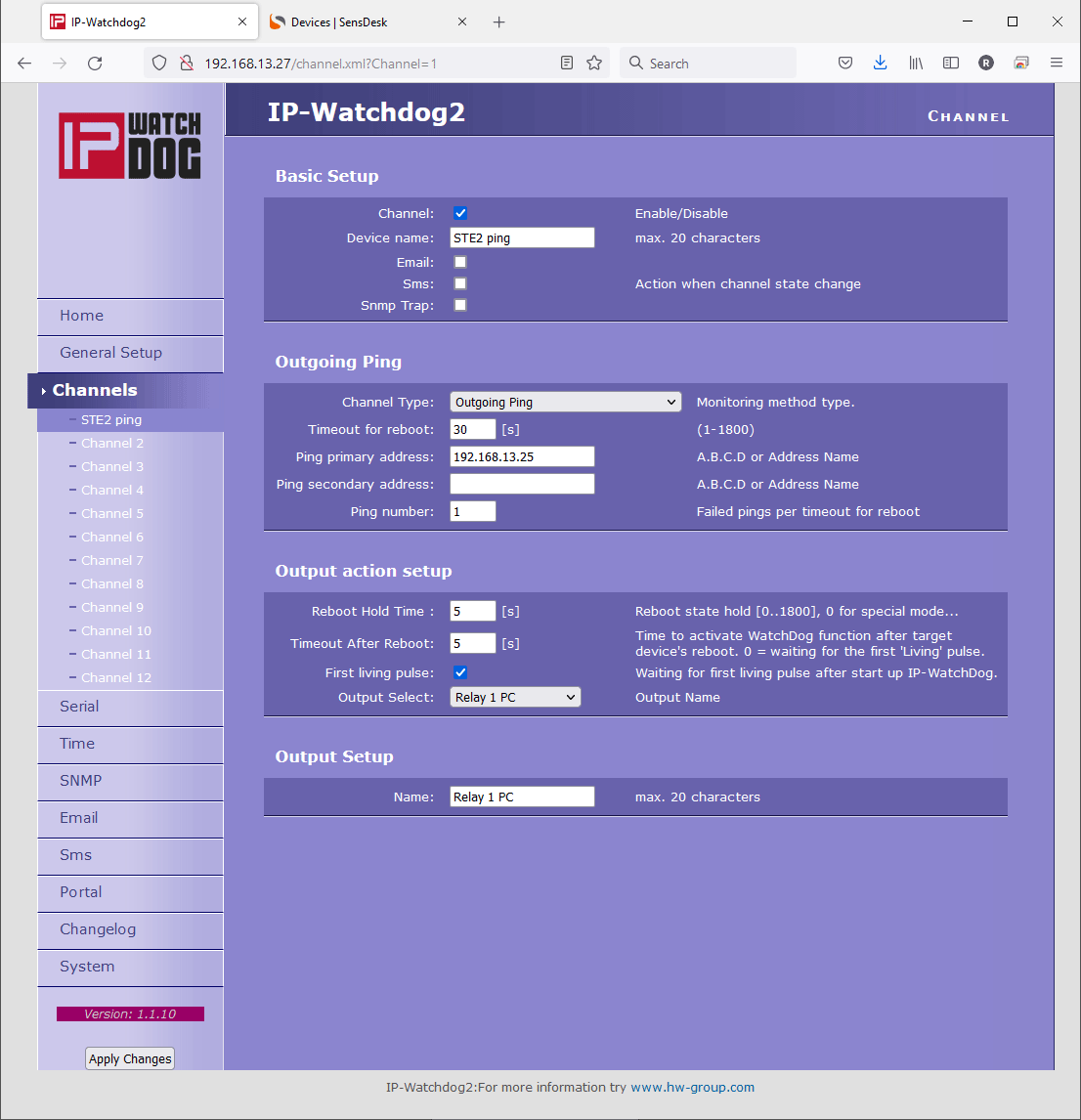
IP WatchDog sends the PING command to a specific IP address in specific time intervals and
awaits response. The following parameters can be configured:
- Primary target IP –
primary IP address where IP Watchdog sends PING and from which it awaits response.
- Secondary target IP – secondary IP address where IP Watchdog sends PING and from which it awaits response if the primary target does not respond.
- Pinging Timeout – interval between individual sent pings from the range of 0-1800 seconds.
(0 = disabled).
- Failed pings per timeout for reboot – number of allowed failed PINGs before device RESET.
Incoming HTML page
IP WatchDog requests loading of WWW page in periodic interval (suitable in case the target IP has blocked the ping function). It is possible to configure the following parameters:
- Server IP – IP address that the WatchDog requests the HTML page from.
- Timeout delay for reboot – interval in range of 0-1800 s (0 = disabled) between resets, in case the IP WatchDog does not receive the required string in the HTML code in the requested WWW page.
- Reading HTML page period – interval between requests for the WWW page in range of 0-1800 s (0 = disabled).
Outgoing HTML page
IP WatchDog awaits in periodic intervals request for its own WWW page (suitable for systems without WWW server). The following parameters can be configured:
- Request Page – the
address of the HTML page offered to the monitored device. For further
processing it provides channel number and information on the accepted
IP address and IP address of the client that requested the page.
- Device IP – IP address of the monitored device's WWW client from which the request for HTML page was accepted.
- Timeout delay for reboot - interval from the range of 0-1800 s ( 0 = disabled ) that IP WatchDog waits for the HTML page request before causing RESET.
Incoming RS232 String
IP WatchDog awaits in periodic intervals a specific string on the serial port. The following parameters can be configured:
- Incoming string – the string in ASCII, HEX or DEC format, that is awaited on the RS-232 port ( * stands for any character).
- Timeout delay for reboot – interval from the range of 0-1800 s (0 = disabled ) that IP WatchDog waits for the specific string before causing RESET
BACK to IP WatchDog Page |